GPT 5.1 is one of the most advanced reasoning and coding assistants ever built but most developers barely scratch the surface of what it can do. If you want consistent, production-ready results, you need more than “quick prompts.” You need structure, clarity, and the right prompting strategy.
This guide breaks down how to communicate with GPT 5.1 effectively, the biggest mistakes developers make, and proven prompts you can start using immediately.
The 3 Biggest Mistakes Developers Make With GPT 5.1
1. Using Vague Instructions
Prompts like:
- Fix this
- Make this code faster
- Improve this function
Force GPT to guess the goal, which leads to inconsistent results.
Clear instructions = predictable output.
When prompting GPT 5.1, always specify:
- The purpose
- Constraints
- Expected output format
- Environment
- Edge cases
- Do’s and don’ts
2. Not Controlling Output Length
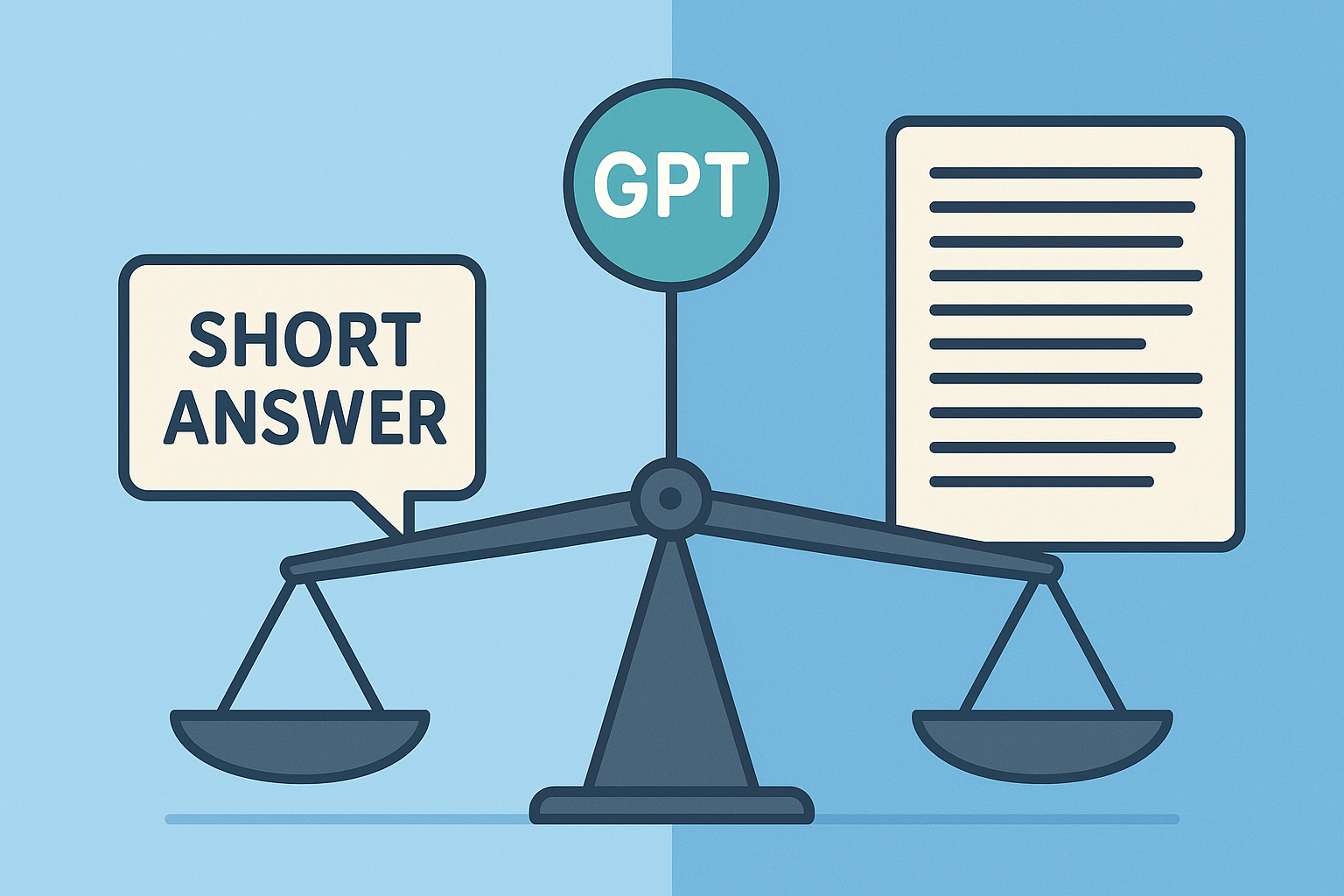
GPT 5.1 can produce everything from a 2-line summary to a full technical deep dive.
If you don’t set expectations:
- The output may be too shallow
- Or too verbose
- Or skip critical steps
Always tell it:
- how long to write
- how deep to think
- whether to reason step-by-step
3. Stopping Too Early on Complex Tasks
GPT’s first answer is rarely the best one.
Real power comes from:
- asking it to critique its own work
- improving and iterating
- generating test cases
- checking logic
- running alternate solutions
Treat GPT like a senior engineer not a one-shot chatbot.
5 Developer-Optimized Prompts That Actually Work
Prompt 1: Debug Code With Context
You are a senior software engineer.
I will give you code plus failing test output.
Your job is to:
1) Identify the root cause
2) Explain your reasoning
3) Provide a minimal fix
4) Return corrected code
Code:
[ paste here ]
Error logs:
[ paste here ]
Prompt 2: Write Production-Ready Functions
Write a production-grade function in [language] that follows best practices.
Requirements:
- Clean structure
- Docstring + comments
- Handles edge cases
- Includes time/space complexity
- Provide example tests
Function description:
[ describe what it should do ]
Prompt 3: Review Code Like a Senior Engineer
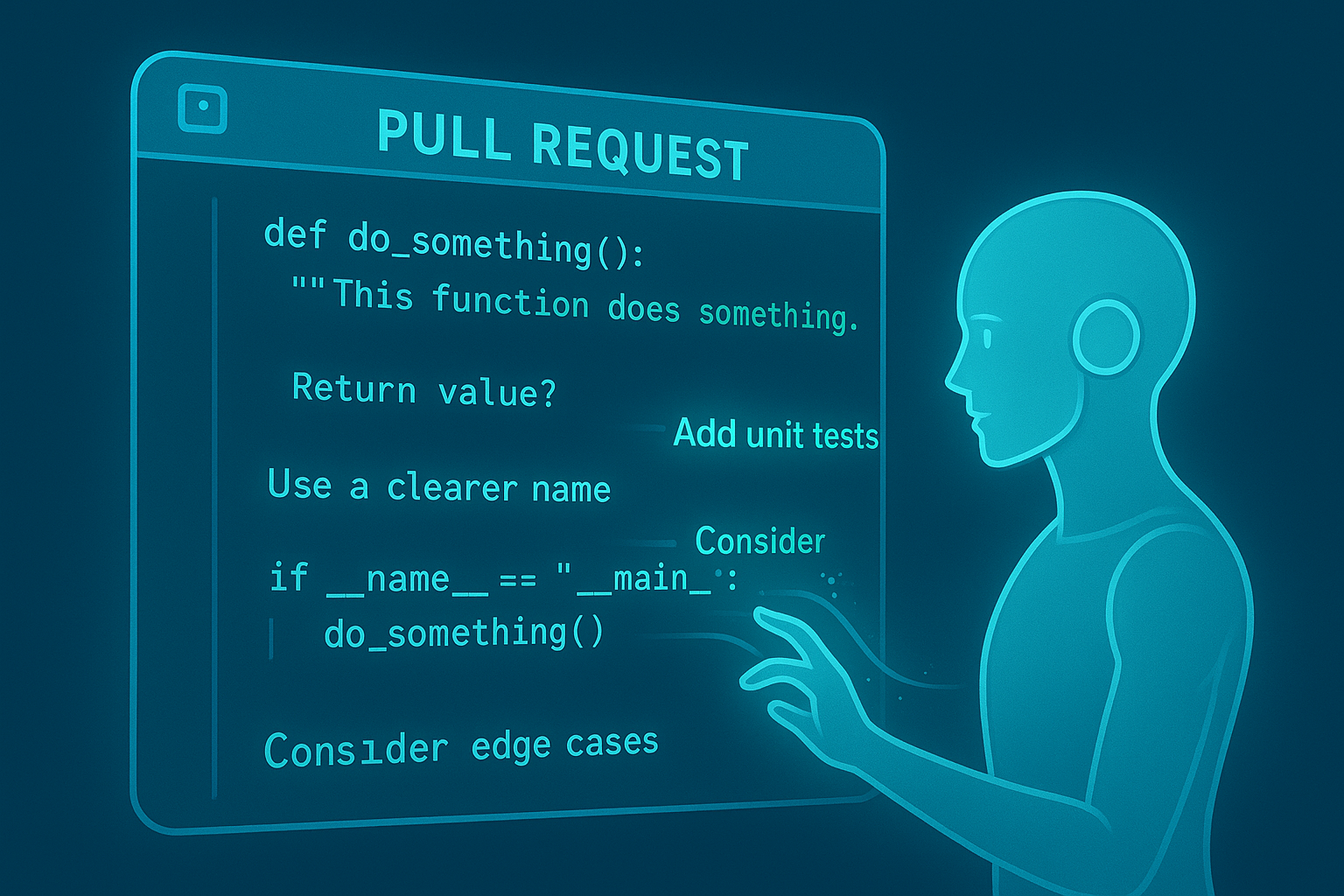
Review this code as if you are doing a pull request review.
Provide:
- What the code does
- Major issues
- Minor issues
- Security concerns
- Performance concerns
- Suggested improvements
- Refactored version (if needed)
Code:
[ paste code ]
Prompt 4: Explain Complex Code Simply
Explain the following code in beginner-friendly language.
Use analogies, simple examples, and clear step-by-step logic.
Avoid unnecessary jargon. Define any technical term you introduce.
Code:
[ paste code ]
Prompt 5: Refactor Legacy Code
Refactor this legacy code without changing core behavior.
Goals:
- Improve readability
- Reduce complexity
- Remove dead code
- Improve maintainability
Steps:
1) Identify problems
2) Explain the refactor strategy
3) Provide improved code
Code:
[ paste legacy code ]
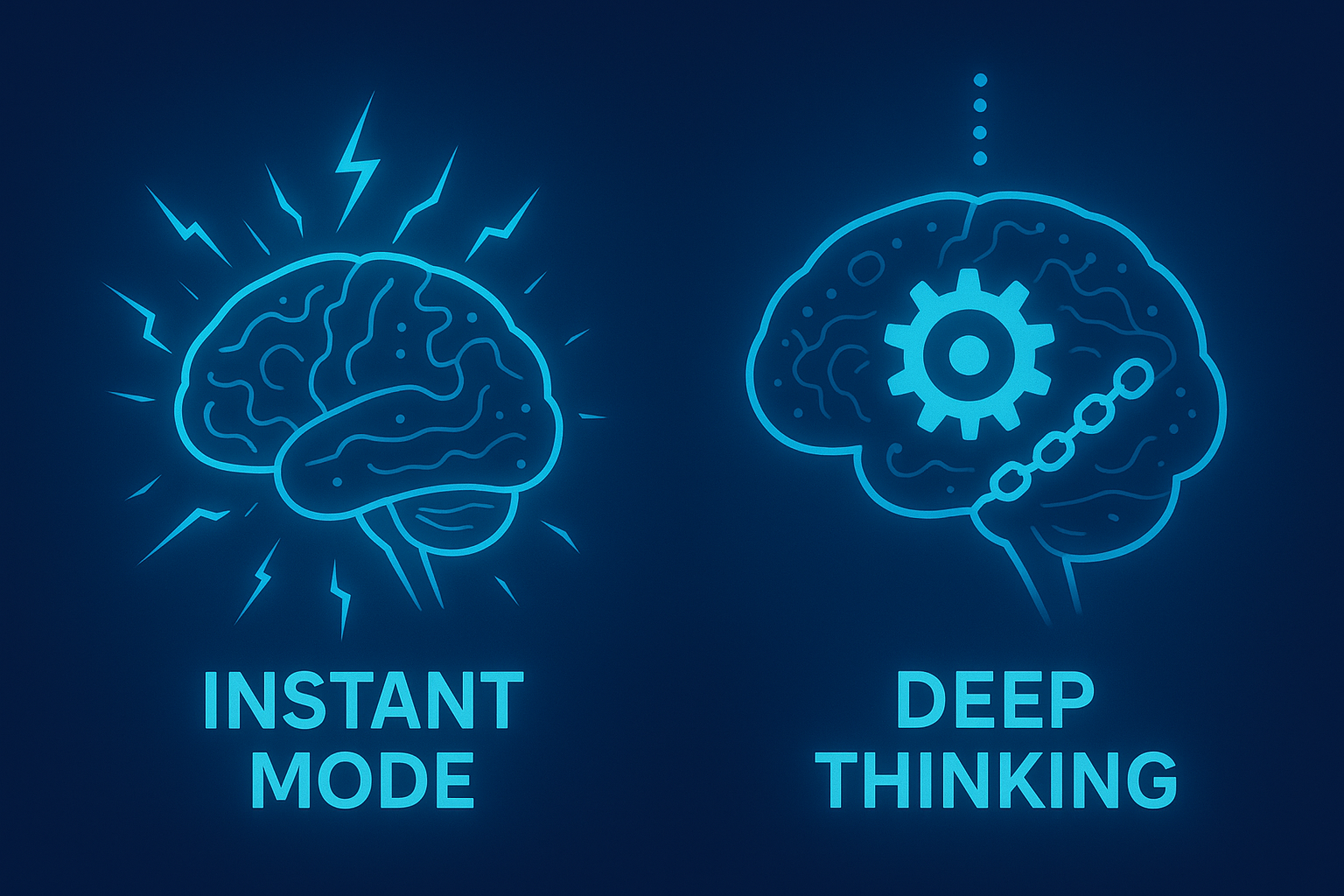
When to Use Instant Mode vs Thinking Mode
Instant Mode
Best for:
- quick fixes
- summaries
- small code edits
- straightforward tasks
Thinking Mode
Best for:
- architecture decisions
- multi-file reasoning
- heavy debugging
- algorithm design
- complex integration tasks
If it requires deep reasoning: always switch to Thinking Mode.
The Hidden Advantage: “None” Reasoning Mode
Setting reasoning_mode: none gives you:
- tighter bounds
- less creativity
- more determinism
Use this when:
- you want zero hallucination risk
- you need strict formatting
- you’re running GPT inside production workflows
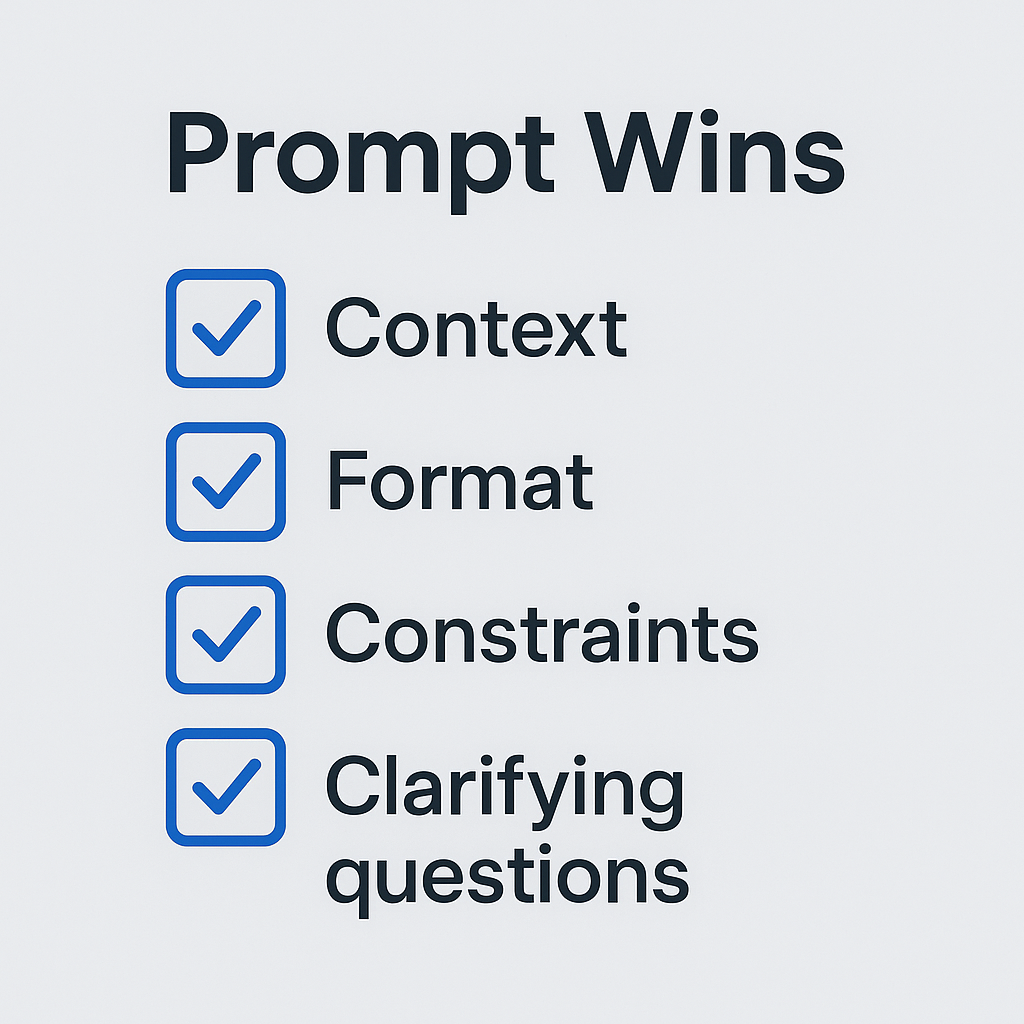
Fast Wins: Small Prompt Tweaks With Huge Impact
- Start with the role (e.g., “You are a senior backend engineer.”)
- Provide context before the task
- Copy/paste examples of expected output
- Explicitly define constraints
- Tell GPT to ask clarifying questions
- Use multi-step instructions
Even one of these will 2–3× the quality of results.
Final Thoughts
GPT 5.1 becomes a superpower when you master structured prompting.
Use roles, constraints, multi-step reasoning, and iteration, and your outputs become consistently production-grade.