
Featured insight
New AI Models on RentPrompts: Image, Audio & Text Capabilities Explained

Kanak30
March 30, 2026•5 min read
#explore rentprompts
New models just went live. Before you dive in, here is what each one actually does.
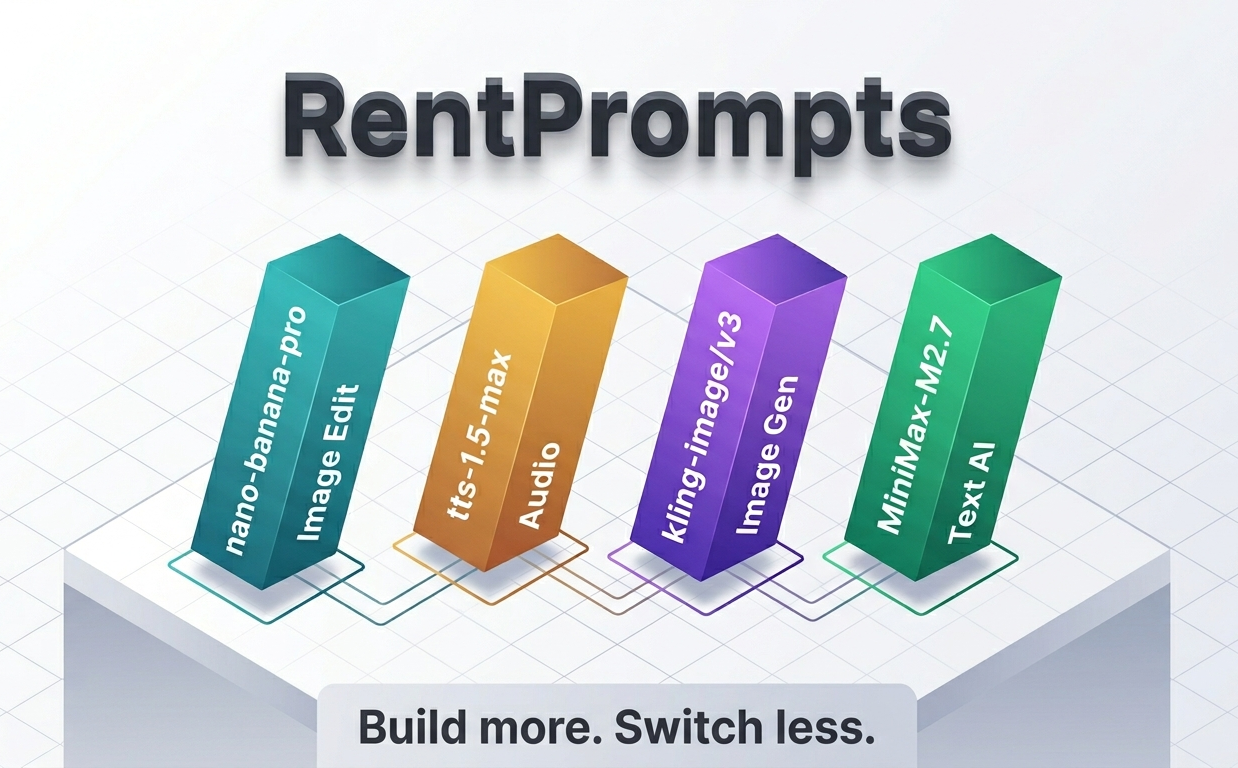
RentPrompts brings together a wide range of AI models under one platform for creators, developers, and anyone building with AI. As the platform's use cases expanded beyond text generation, the need for models covering image editing, image generation, and audio output became clear. These four models were added to address those specific gaps in the Generate section.
1. nano-banana-pro/edit: Instruction-Based Image Editing
What it is
nano-banana-pro/edit is a fast, efficient image-editing model built on the Gemini 3 Pro Image architecture and served via FAL AI. It modifies and enhances existing images through natural language instructions. No masks, no layers, no manual selection required.
Technical breakdown
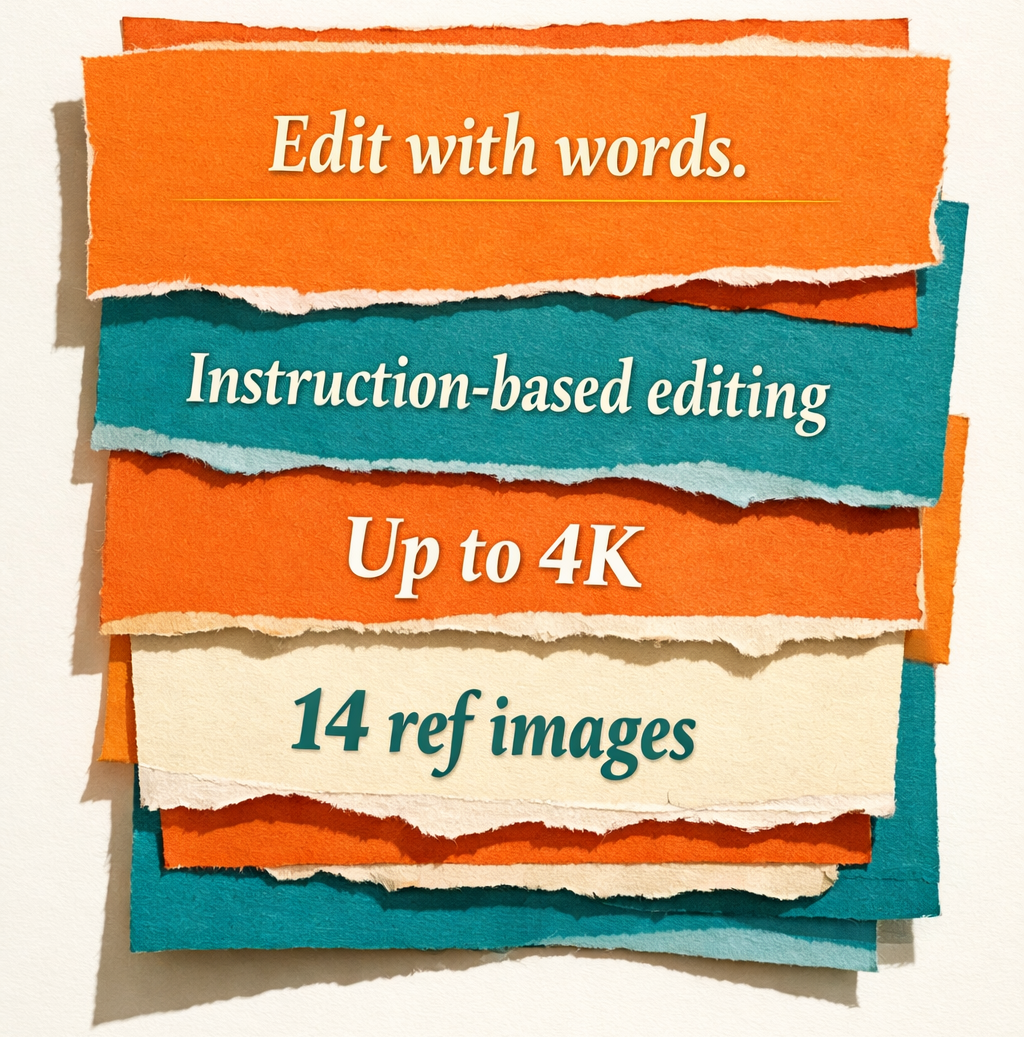
The model supports reference-image guided editing with up to 14 images in a single composition. It maintains character consistency across edits for up to 5 people in a scene. It handles a range of edit types, including changing objects, adjusting styles, modifying backgrounds, improving image details, and enhancing overall composition, all while preserving the original structure of the image. Output resolutions include 1K, 2K, and 4K, with support for JPEG, PNG, and WebP formats.
The model is optimized for speed, making it suitable for rapid creative workflows and automated visual editing pipelines that process multiple images quickly.
Why was it added
Users working on product visuals, content creation, and design work frequently need targeted edits on existing images without rebuilding them from scratch. nano-banana-pro handles precise, instruction-based edits while preserving the parts of the image that were not part of the instruction, which fits iterative and automated editing workflows well.
How is it available on RentPrompts?
nano-banana-pro is available as an image editing model on RentPrompts. It requires an image as input. While the model supports multiple image inputs by design, on RentPrompts, it is currently set up with a single image input. You provide the image and describe the edit you want. The model applies it and returns the edited image.
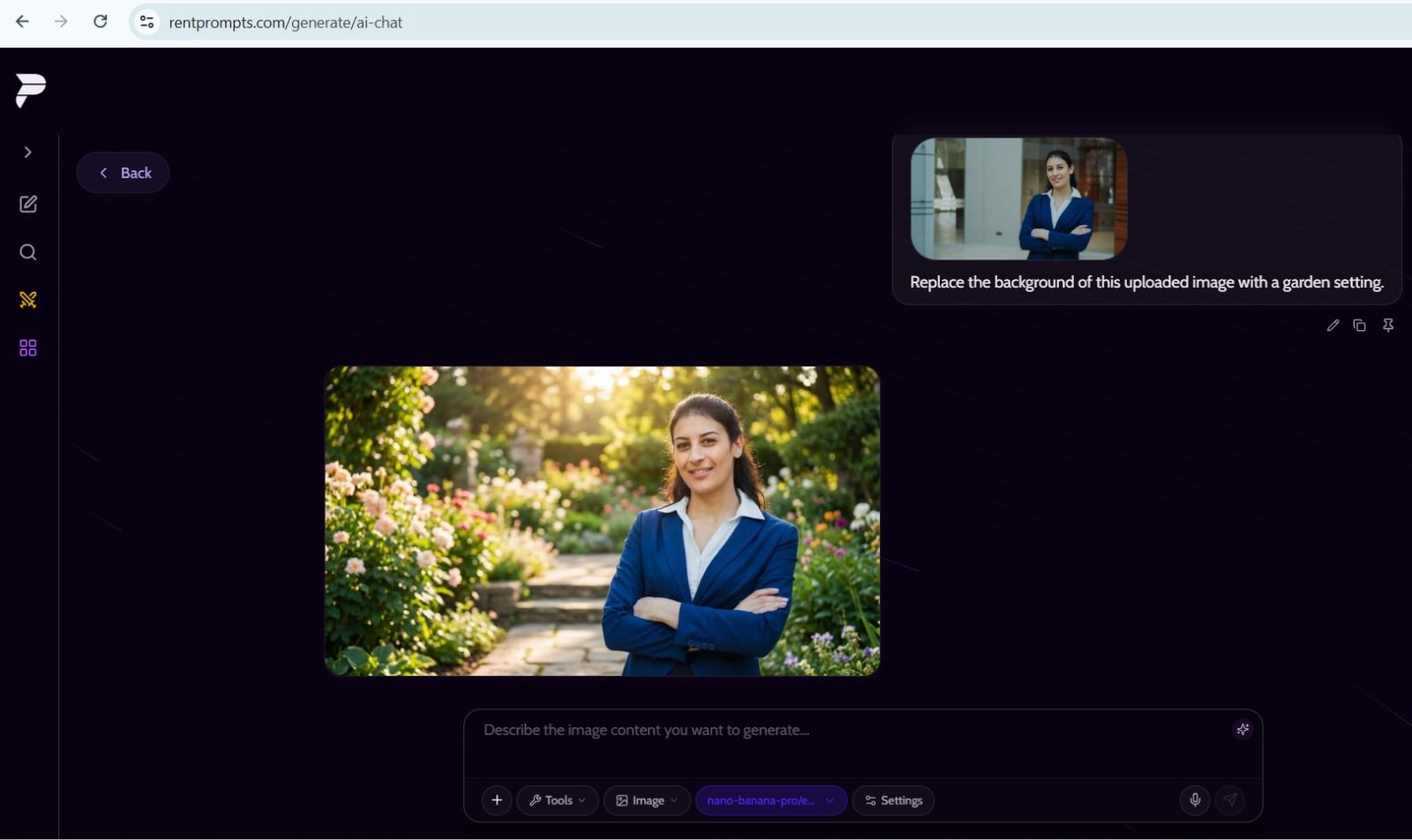
"This screenshot shows nano-banana-pro replacing the background of an image based on a text instruction on the RentPrompts platform."
2. tts-1.5-max: High-Fidelity Text-to-Speech
What it is
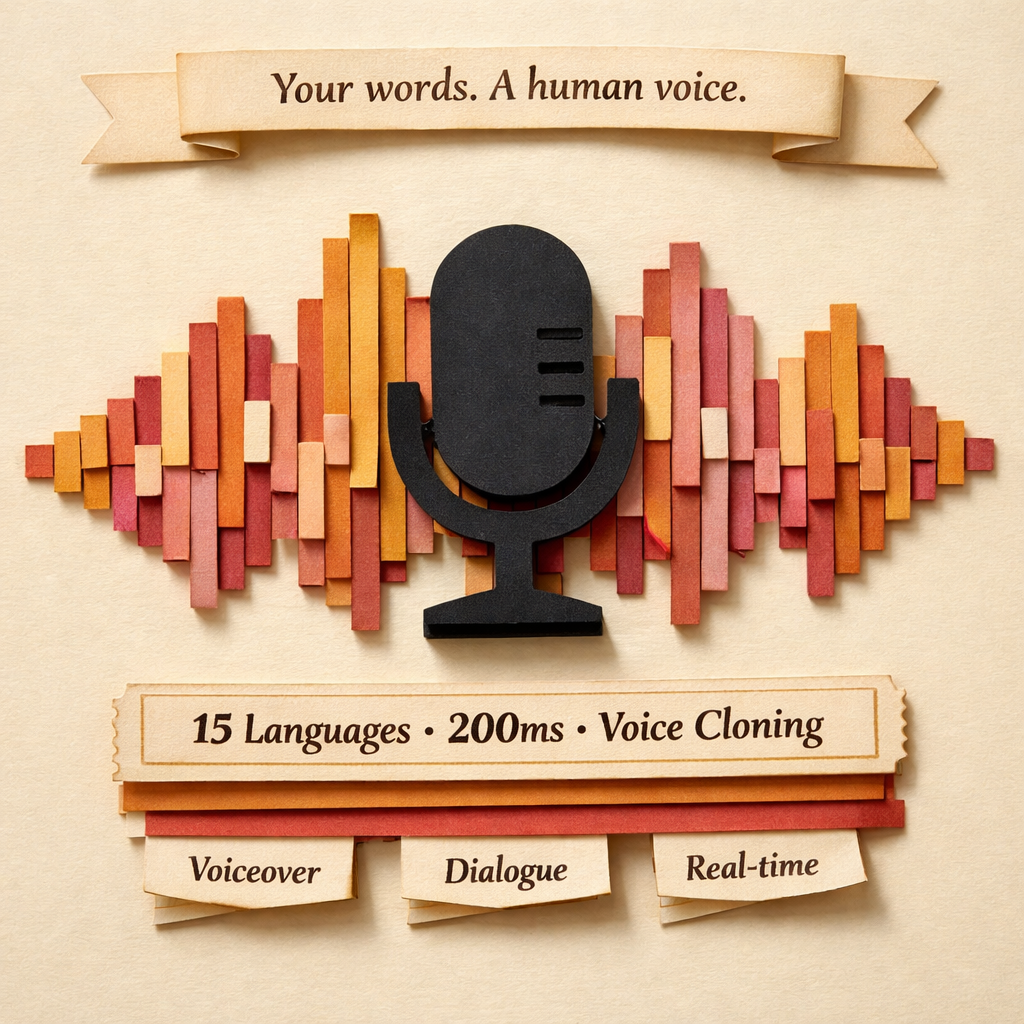
tts-1.5-max is the flagship text-to-speech model developed by Inworld AI. It takes text as input and returns voice audio as output, designed to generate a natural, expressive, and human-like voice with emotional tone, clarity, and consistency.
Technical breakdown
The model supports 15 languages and delivers a P50 latency of 200ms, making it suitable for real-time use. It includes nuanced voice modulation, meaning it adjusts delivery based on the emotional tone and context of the input text. It supports instant voice cloning from a short audio sample and provides enhanced timestamps with phonetic details and visemes, useful for applications that need lip-sync or precise audio-text alignment.
It covers a wide range of audio use cases, including voiceovers, character dialogues, immersive experience audio, interactive application responses, and real-time conversational audio.
Why was it added
Audio generation was not available on RentPrompts before this addition. Users producing voiceovers, building voice-enabled applications, or creating character dialogue had no model available on the platform for it. tts-1.5-max covers that gap and handles both quality and low-latency requirements, relevant for batch audio production as well as real-time use cases.
How is it available on RentPrompts?
tts-1.5-max is available as an audio model on RentPrompts. It takes text as input and returns an audio file as output. You describe the audio content you want, a voiceover, a character dialogue, or any spoken content, and the model generates it.
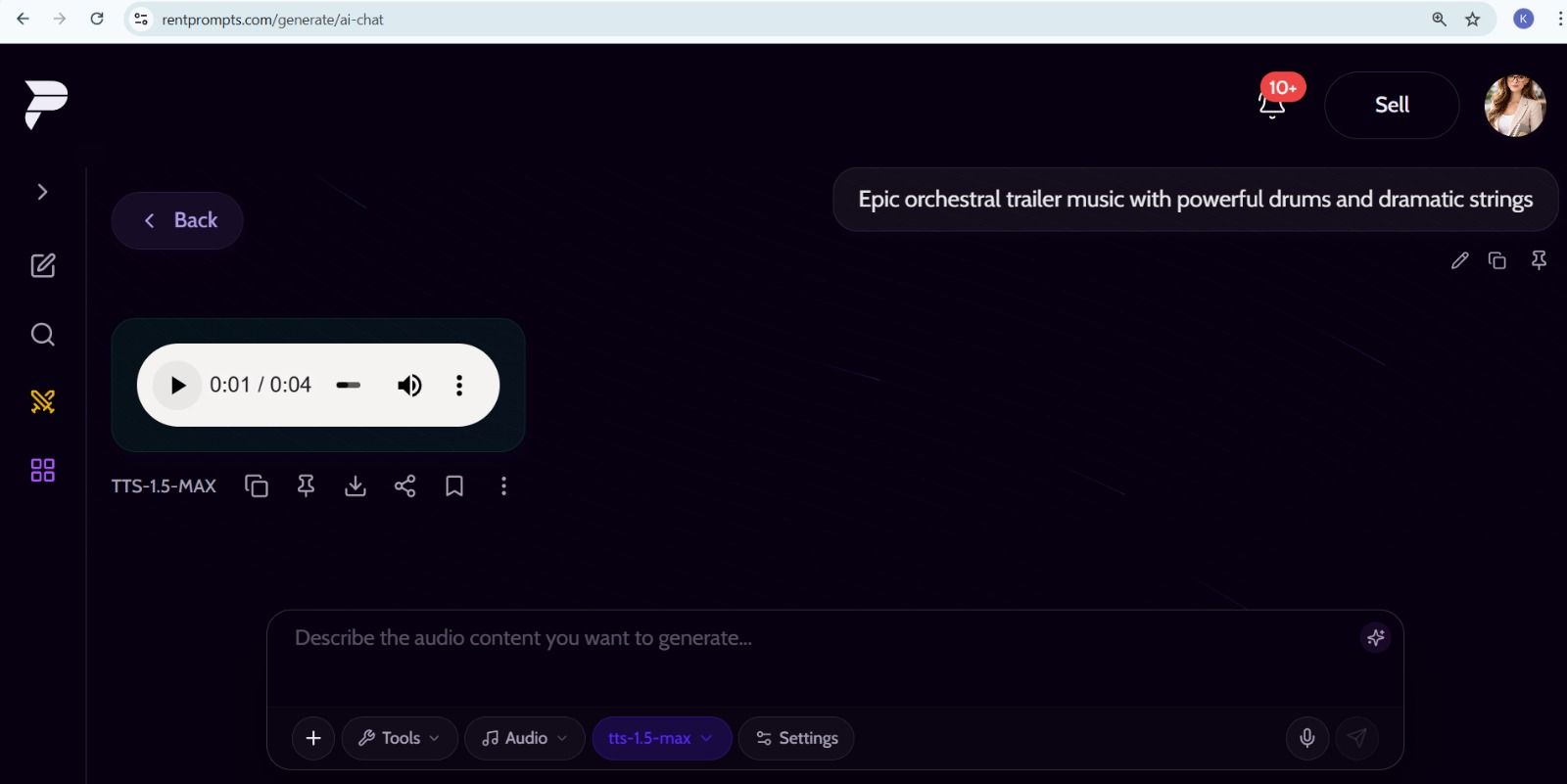
"This screenshot shows tts-1.5-max generating audio from a text prompt on the RentPrompts platform."
3. kling-image/v3: Text-to-Image and Reference-Based Generation
What it is
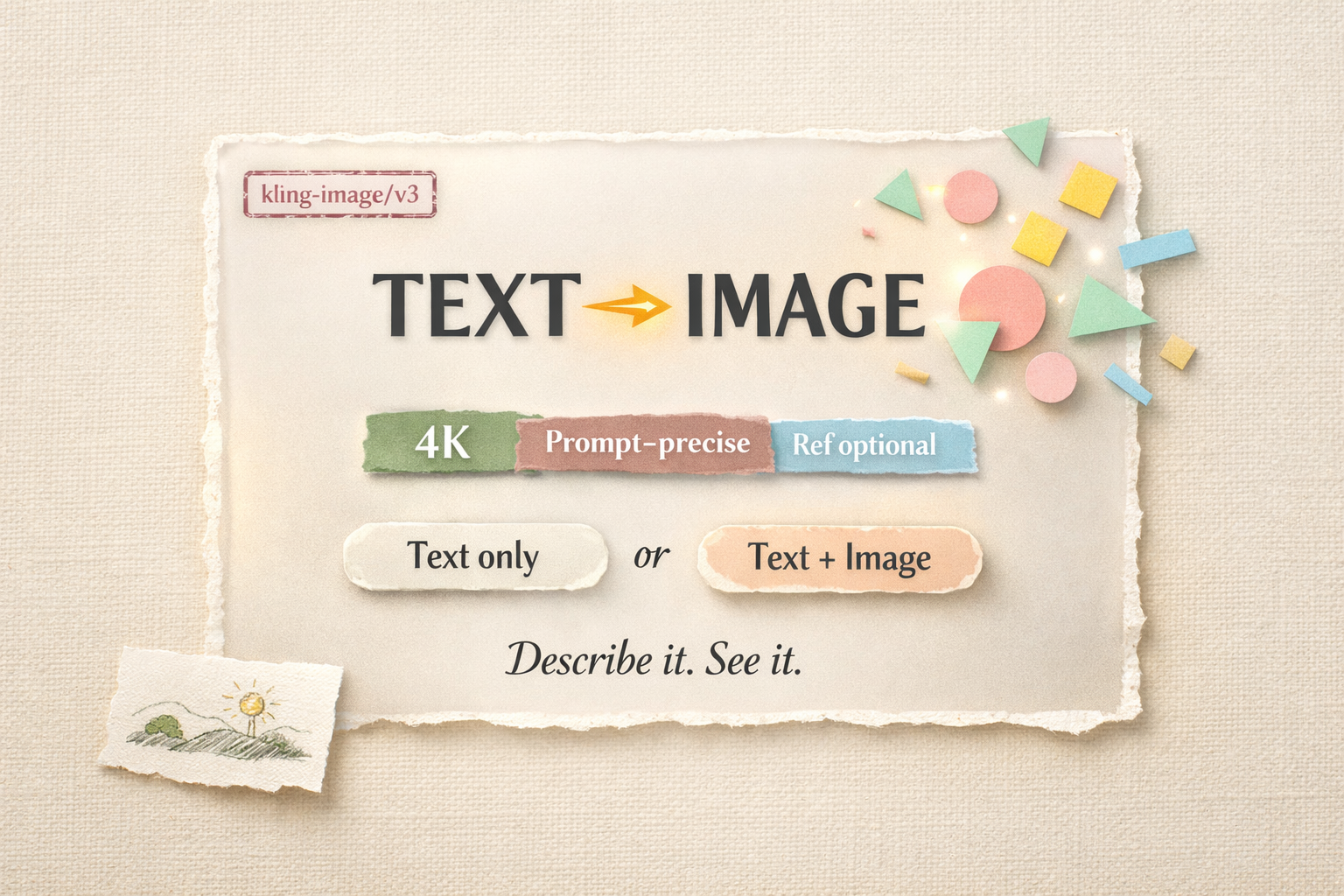
kling-image/v3 is an image generation model built on the Kling IMAGE 3.0 architecture, developed by Kuaishou and optimized by FAL AI for fast inference. It creates high-quality, detailed visuals directly from text prompts with strong prompt alignment and artistic flexibility. Image input is optional. A text prompt alone is enough to generate from scratch.
Technical breakdown
The model produces detailed, visually rich images with strong prompt adherence across composition, lighting, style, and subject. It supports natural and harmonious blending of multiple reference images, doodle editing, and natural language-driven creative control. It delivers highly consistent feature retention across edits and responds precisely to detail-level modifications in the prompt. Output is available up to 4K resolution.
It is designed for a range of creative use cases, including marketing content, storytelling, concept design, professional-grade visual production, and rapid creative iteration.
Why was it added
Image generation is one of the most common use cases on RentPrompts. kling-image/v3 was added for its strong prompt adherence and output quality at the IMAGE 3.0 level. The optional image input also makes it more flexible. Users can generate from a description alone or use reference images when needed.
How is it available on RentPrompts?
kling-image/v3 is available as an image generation model on RentPrompts. It works with a text prompt alone. No image input is needed. If you want to use a reference image alongside your prompt, that option is available as well. You describe what you want to see, and the model generates the image.
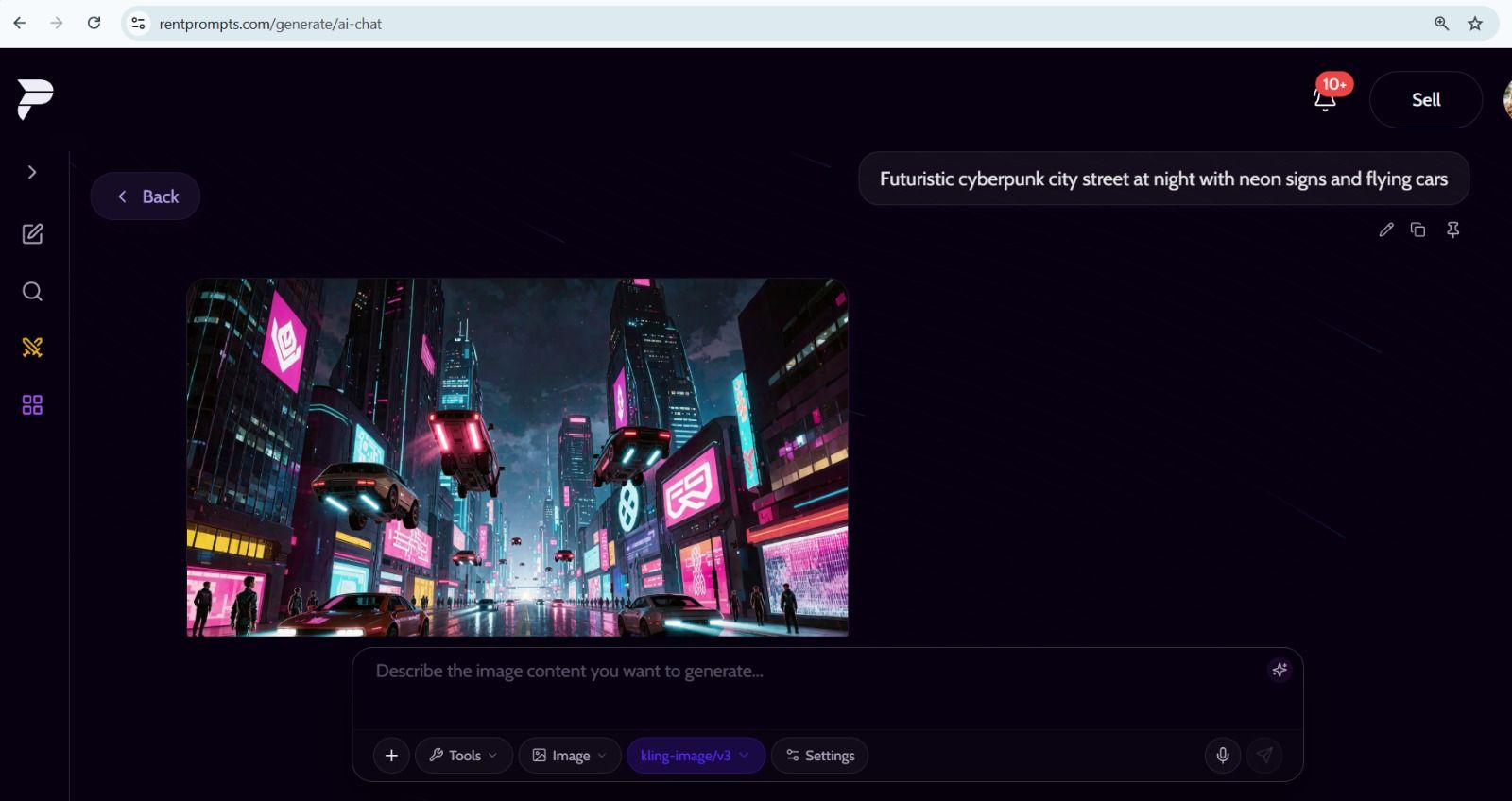
"This screenshot shows kling-image/v3 generating an image from a text prompt on the RentPrompts platform."
4. MiniMax-M2.7: An Agentic Large Language Model
What it is
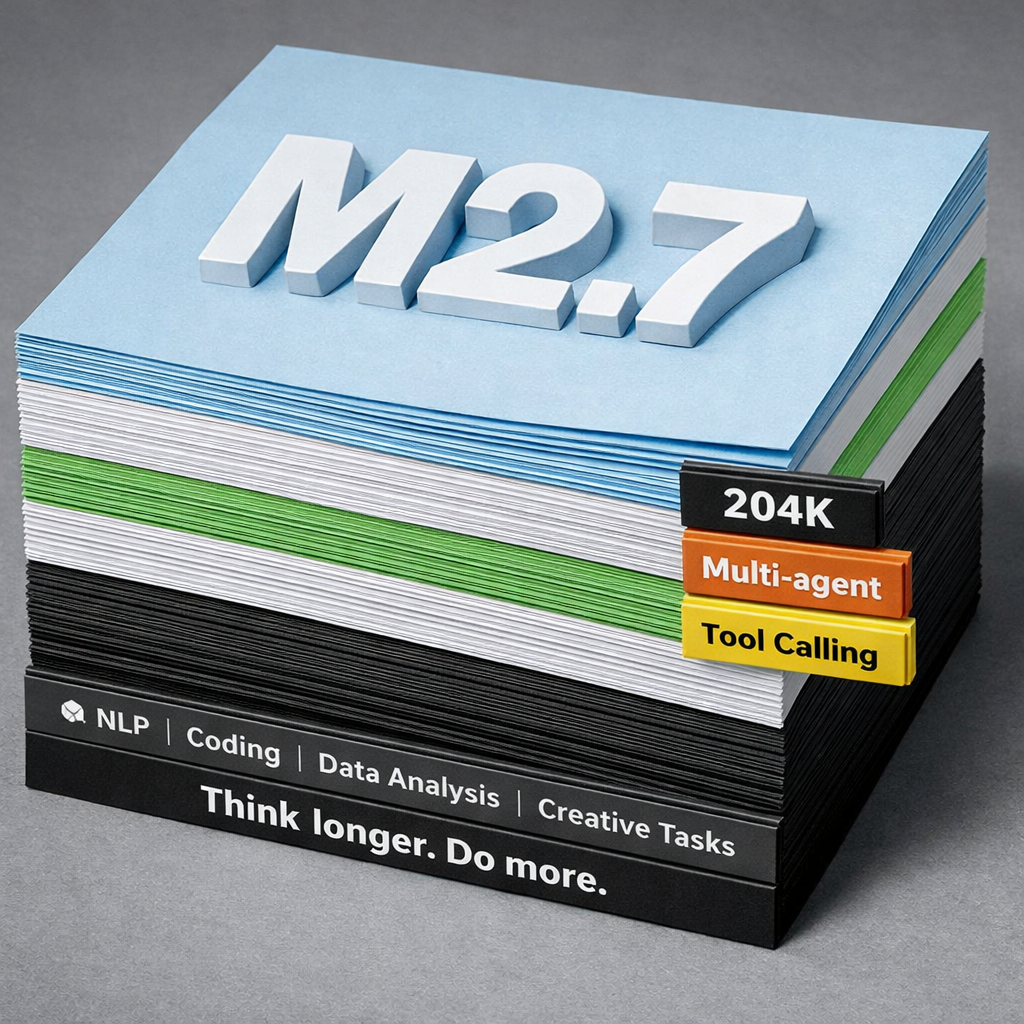
MiniMax-M2.7 is a high-performance large language model developed by MiniMax. It is designed for autonomous, real-world productivity and integrates advanced agentic capabilities through multi-agent collaboration. It takes text as input and returns text as output, handling both conversational AI and productivity-driven applications.
Technical breakdown
The model has a context window of 204,800 tokens, which supports long-form tasks, extended multi-turn conversations, and workflows involving large documents. It generates at approximately 60 tokens per second, with a high-speed variant reaching around 100 tokens per second.
M2.7 is built for multi-agent collaboration, meaning it can plan, execute, and refine complex tasks across dynamic environments. It handles production-grade workflows, including live debugging, root cause analysis, financial modeling, and full document generation across Word, Excel, and PowerPoint. It supports tool calling natively, meaning it can trigger external functions and APIs from within a conversation based on context.
On benchmarks, it scores 56.2% on SWE-Pro and 57.0% on Terminal Bench 2, and achieves 1495 ELO on GDPval-AA. These benchmarks measure real-world task performance across code editing, terminal use, and multi-agent collaboration in digital workflows.
Why was it added
RentPrompts already covers image and audio generation. Adding a capable text model gives users a complete set of tools in one place. M2.7 handles a broad range of text tasks, from conversational use to complex agentic workflows involving multiple steps, tools, and document outputs, and its 204,800-token context window makes it practical for workflows involving long documents or extended reasoning chains.
How is it available on RentPrompts?
MiniMax-M2.7 is available as a text model on RentPrompts. It takes text as input and returns text as output. You enter a prompt, a question, a task, or a structured instruction, and the model returns a response.
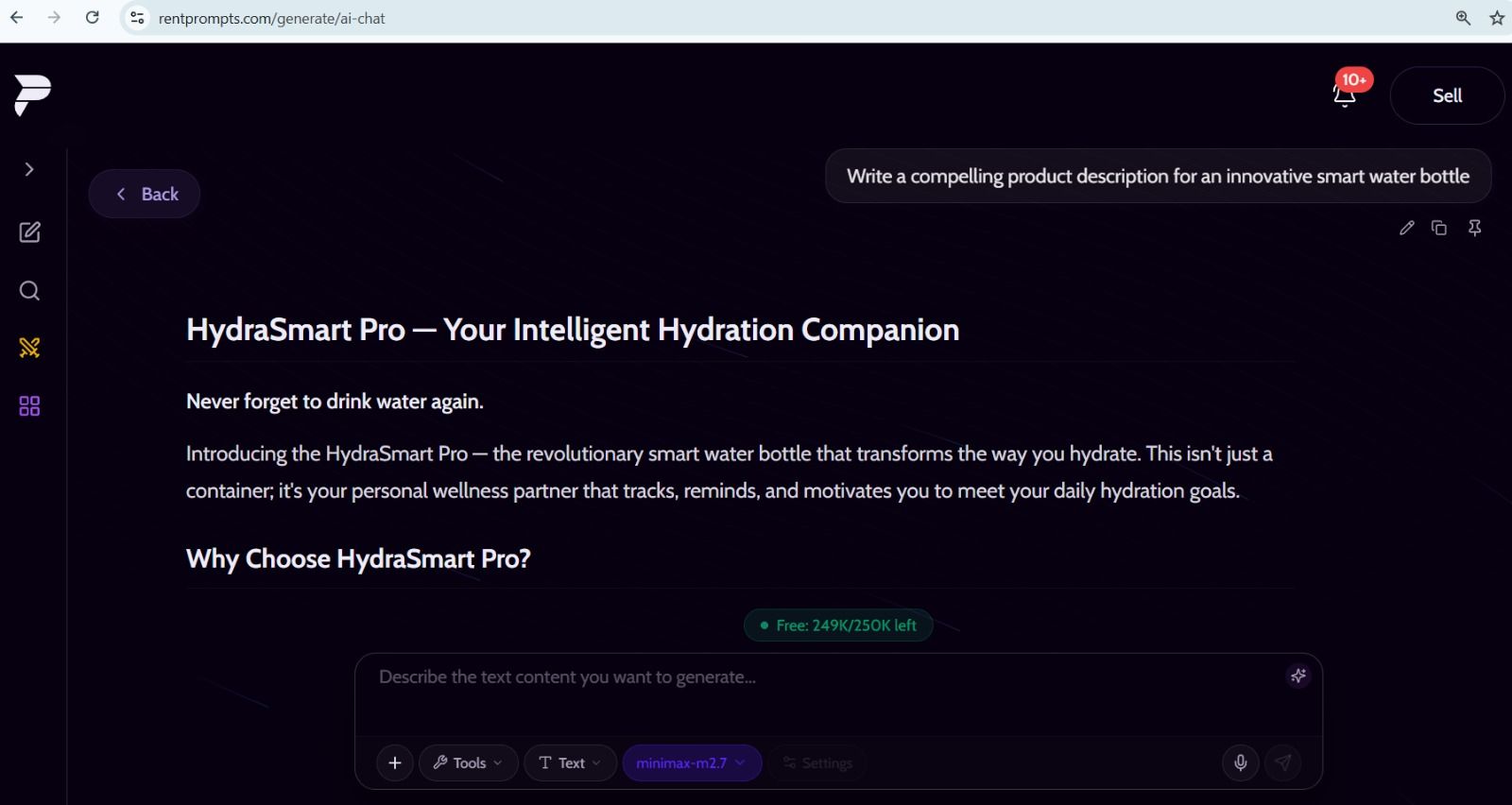
"This screenshot shows MiniMax-M2.7 generating a product description from a text prompt on the RentPrompts platform."
How to Try These Models on RentPrompts
- Go to the Generate section on RentPrompts.
- In the chatbox, select the type of model you want to use, such as image, audio, or text.
- Select the model name from the dropdown that appears.
- Enter your prompt or upload your image, depending on the model.
- Hit generate and wait for the output.
Just keep in mind:
- nano-banana-pro/edit needs an image as input. You cannot use it with just a text prompt.
- kling-image/v3 works with or without an image. A text prompt alone is enough.
- tts-1.5-max needs text as input. It will return an audio output.
- MiniMax-M2.7 works with text in and text out.
0 Comments

No comments yet. Be the first to start the discussion!