
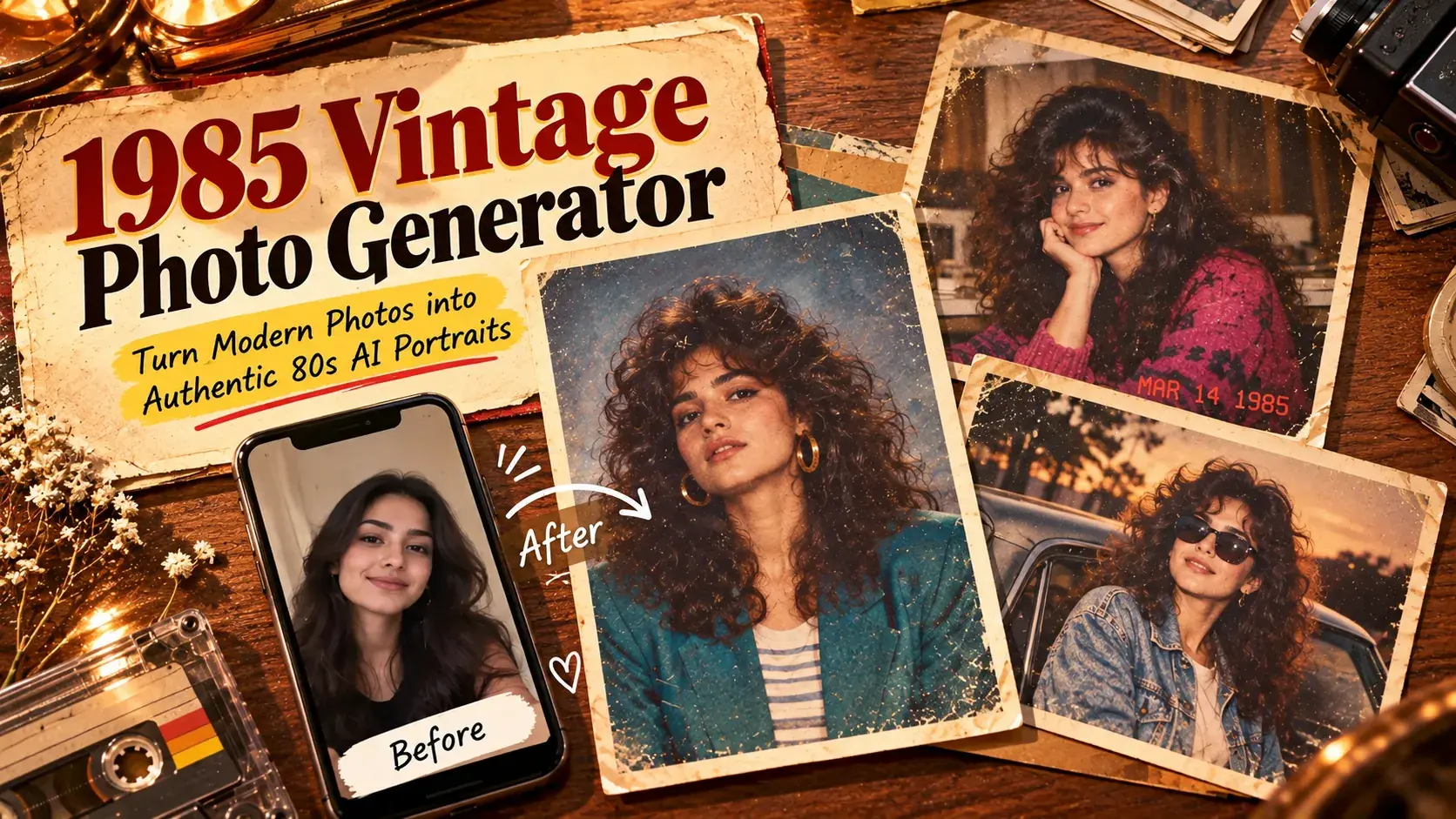
Featured insight
1985 Vintage Photo Generator: Authentic 80s AI Portraits

YASHWINI PATIDAR
September 25, 2026•3 min read
#explore rentprompts
1985 Vintage Photo Generator: Authentic 80s AI Portraits
The 80s AI photo trend is everywhere this month, so this is a good week to try it.
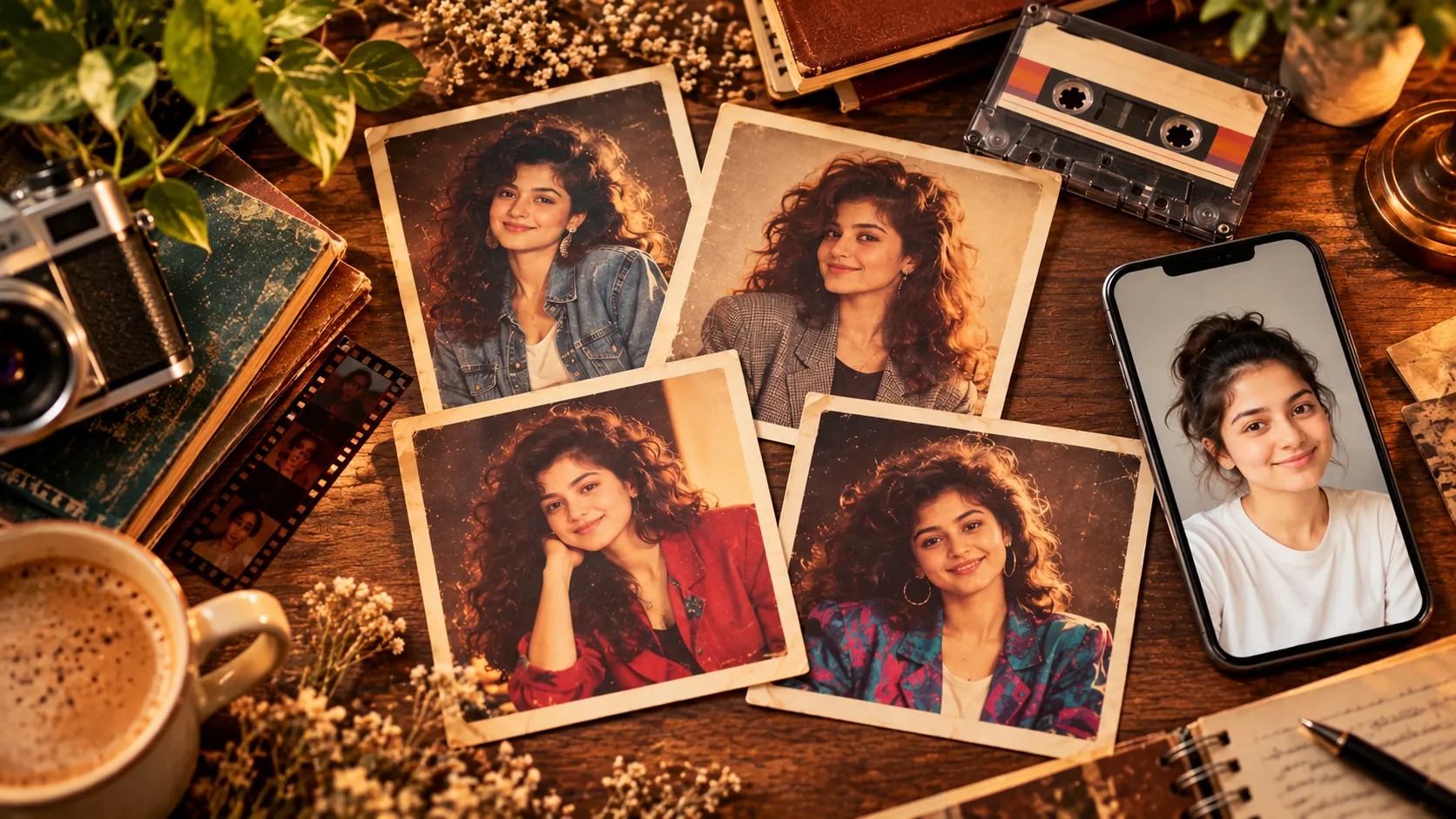
TL;DR
- The 1985 Vintage Photo Generator is a custom Rapp on RentPrompts that turns modern photos or ideas into 1980s-style portraits, a quick way to join the 80s AI photo trend.
- A built-in prompt framework covers the era, styling, lighting, film texture, and what to avoid, so you do not have to write a long 1980s AI photo prompt yourself.
- Concrete details (hair, clothes, flash, grain) give a more believable 80s look than the word "retro."
- It saves time compared with manual editing, but you get less fine control, and results can vary between runs.
- You can learn to build similar apps and sell them on the platform.
Introduction
I have been using this app for a while now, and I have experimented with it to create authentic 80s-look vintage images. I really enjoyed the results, especially how much a plain modern photo can feel like a print from an old family album. Honestly, that first "is this really me?" moment is the best part.
You have probably seen the 80s AI photo trend already. ANI reported on September 9, 2026 that the trend took India by storm as Bollywood actors, politicians and sportspersons shared their own retro portraits. Search interest followed: a report citing Google Trends says searches for "1980s AI photo prompt ChatGPT" passed 500,000 in India. Most people try the trend with a short ChatGPT 80s prompt and hope for the best.
The 1985 Vintage Photo Generator on rentprompts.com works differently, because the prompt structure is already built in. The app was created by Priyap01, a creator on RentPrompts.
In this post, I will explain the tool in plain words, share a few tricks for a better 1980s AI photo prompt, point out common mistakes, answer common questions, and be upfront about where it falls short. For more step-by-step guides, you can also browse the RentPrompts Blog.
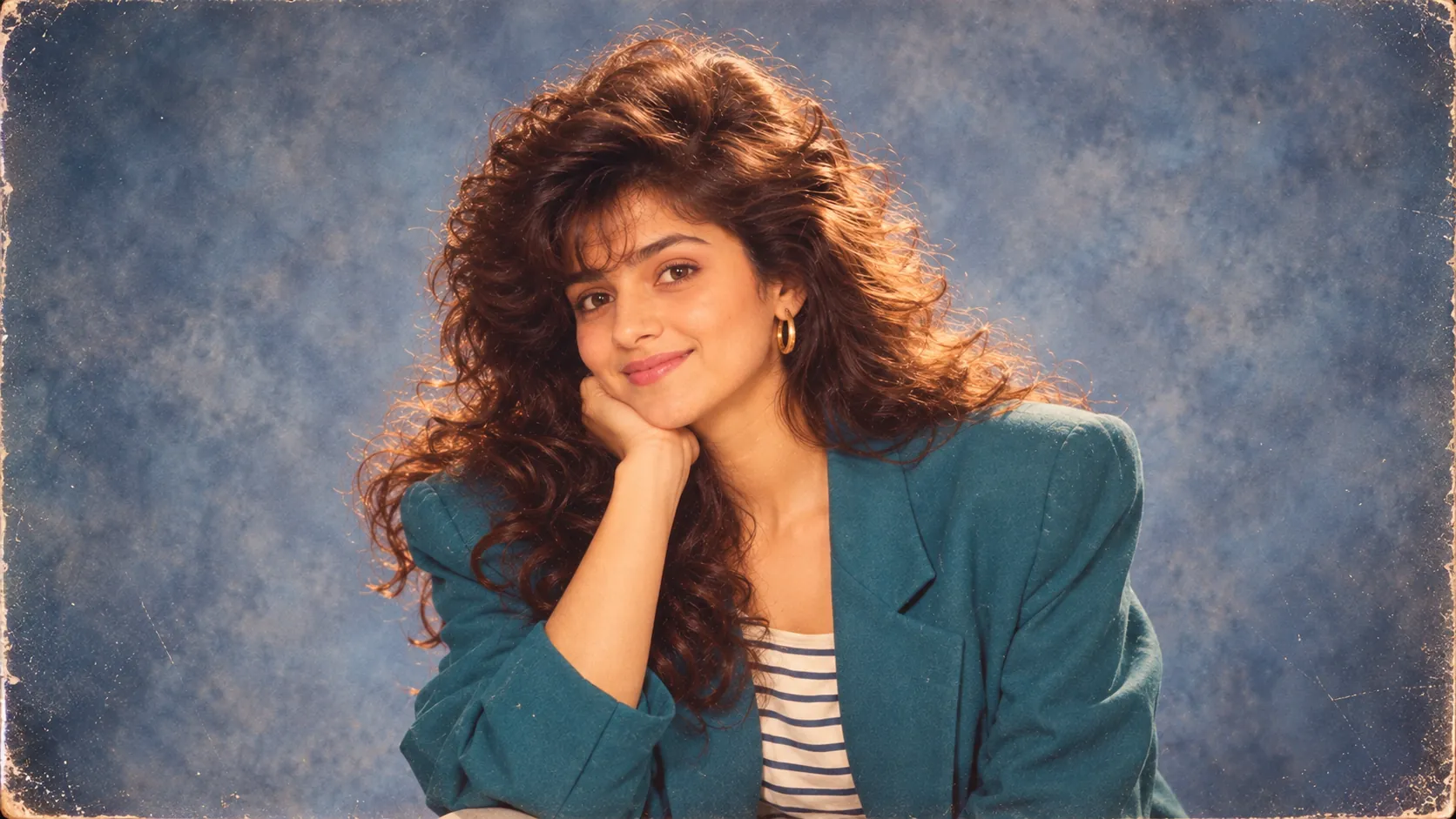
What Is the 1985 Vintage Photo Generator?
In simple terms, you give the app a picture or an idea, and it creates a portrait that looks like it was taken in 1985. It is a Rapp, which means a custom app built on RentPrompts, so you can skip the long prompt writing. This one was built by Priyap01, and you can see more of the creator's work on their profile page.
Why the 80s AI photo trend is everywhere right now
The 80s AI photo trend is a social media craze where people ask an AI tool to reimagine a modern selfie as a 1980s portrait. Deccan Chronicle reported that stars such as Parineeti Chopra and Kiara Advani joined in, and the search terms tell the same story. People are typing "ChatGPT 80s prompt," "1980 prompt" and "1980s AI photo prompt," which suggests they want ready-made prompts, not just an idea.
| Signal | What was reported | Reported by |
|---|---|---|
| Public figures joining | Bollywood actors, politicians and sportspersons shared 80s AI portraits (September 9, 2026) | ANI |
| India search interest | "1980s AI photo prompt ChatGPT" reported above 500,000 searches | ukrmedia.news, citing Google Trends |
| Growth rate | 1,000% reported for the same query in India | pratapsolution.com (secondhand) |
| Bangladesh | "1980s photo prompt chatgpt" reported above 50,000 searches | ukrmedia.news, citing Google Trends |
Table 1: The 80s AI photo trend in numbers, as reported. Sources: ANI, Deccan Chronicle, ukrmedia.news and pratapsolution.com. These are secondhand reports of search data, so check the live numbers on Google Trends.
How the app works, and where prompt engineering fits
A prompt engineering framework is a checklist for writing good instructions. Instead of typing "make this look old," the checklist spells out who is in the photo, what year it is, what they wear, how the light falls, what the film looks like, and what should not appear. One 1980s AI photo prompt guide lists the same ingredients: year, clothing, hairstyle, setting, lighting, camera style and film texture. The app carries that checklist for you. If you want to build one yourself, the AI Academy covers how.
Tools in this category tend to chase the same ingredients: period hair and outfits, analog grain, faded color, direct flash, and a red-orange date stamp, as ImageLayered's 80s photo page describes.
What works well
- It is quick, beginner-friendly, and good for profile pictures, party themes, and nostalgia posts.
- The framework does the checklist work, so you spend your time on choices such as hairstyle and setting.
Where it falls short
- The output is a generated image, not a scan of a real print.
- Faces may shift a little from the source photo, and small details like hands, jewelry, and background objects can look odd.
- Running the same input twice will not give the same result. Always review the image before you post it.
Hidden Tricks for a Better 1980s AI Photo Prompt
- Use a clear source photo. Front-facing, even light, no sunglasses, no heavy filters. A cleaner input keeps the face more accurate.
- Be specific. "Perm," "denim jacket with shoulder pads," and "wood-paneled wall" work better than "vintage vibe." A prompt guide for 80s and 90s images makes the same point: name physical facts such as the capture medium, not just a mood.
- Choose one mood. A yearbook-style studio portrait and a direct-flash snapshot look very different. Pick one and stay with it.
- Lean into imperfection. Real prints from that time had grain, soft focus, and slightly muted color. Ask for those flaws on purpose. This is the trick that made my results feel like real prints.
- Add a "leave out" list. Tell the app to avoid skin smoothing, modern gadgets, and glossy sharpness.
- Change one thing at a time. If the hairstyle works but the background does not, adjust only the background so you can see what made the difference.
Common Mistakes in 80s AI Portraits
- Mixing decades. Late-80s neon, 90s grunge, and 70s furniture in one image feel like a costume party. Stick to 1985.
- Going too clean. If the skin looks like a phone beauty filter, add grain and fading to your instructions.
- Piling on adjectives. "Stunning, epic, cinematic" adds little. Concrete nouns like blazer, bookshelf, or hairspray do more. The RentPrompts Blog has more prompt-writing basics.
- Starting with a weak photo. Blurry or backlit pictures give the app poor material.
- Trusting the date stamp. AI often garbles tiny numbers, so treat the stamp as decoration.
- Skipping the final check. Look for modern logos, watches, or gadgets that sneaked in.
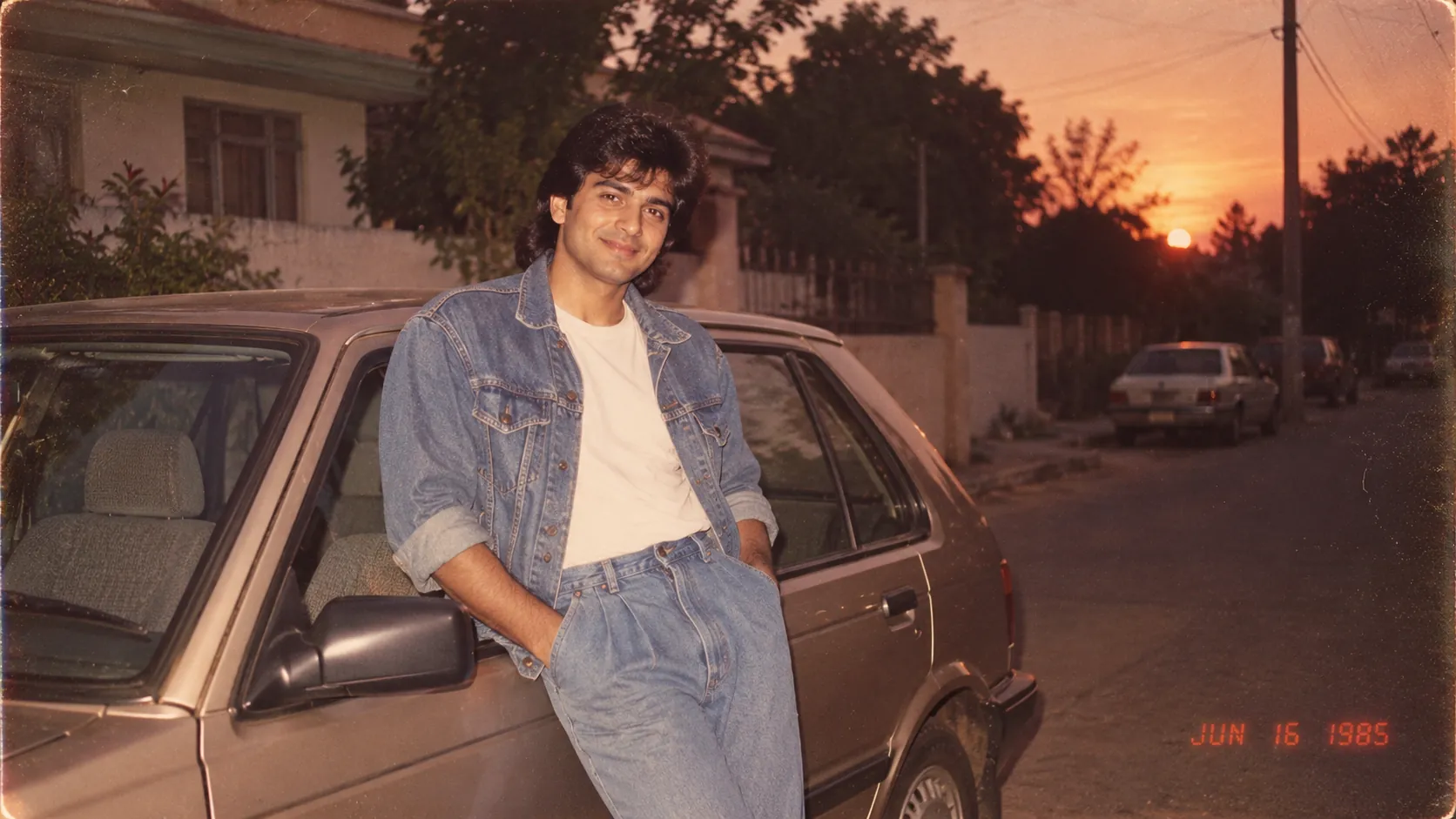
Comparison Table: Manual Retro Editing vs the 1985 Vintage Photo Generator
| Factor | Manual retro photo editing | 1985 Vintage Photo Generator |
|---|---|---|
| Time per image | Often long, especially for hair and outfit changes | Usually minutes |
| Skill needed | Photo editing experience | Basic prompting, framework included |
| Hair, clothes, background changes | Hard, needs heavy compositing | Handled by the generator |
| Fine control | High, down to the pixel | Moderate, guided by your instructions |
| Consistency | You control every step | Results vary between runs |
| Cost | Software or subscriptions, varies | Depends on current credits (see Recharge) |
| Best for | Editing a real old photo, precise tweaks | Fast, creative 80s-style portraits |
Neither option is always better. For exact control, manual editing still wins. For speed and full restyling, the app is easier. You can check current credit options on the Recharge page.
Frequently Asked Questions (FAQs)
What is the 1985 Vintage Photo Generator?
It is a custom app (Rapp) on RentPrompts that turns modern photos or ideas into 1980s-style portraits. A prompt framework is built in, so it handles details like era, styling, lighting, and film texture for you. It was created by Priyap01 on RentPrompts.
What is the 80s AI photo trend, and how does this app fit in?
It is the viral trend of turning modern selfies into 1980s-style portraits with AI. The app is one way to join it without writing a long prompt each time, since the prompt framework is already built in. See the app page to try it.
Is this the same as a ChatGPT 80s prompt?
Not exactly. A ChatGPT 80s prompt is text you write or paste yourself, together with your photo. This app packages a prompt framework so you do not have to write or adjust that checklist each time.
Do I need to write a detailed prompt?
Not from scratch, since the framework does the heavy lifting. Still, adding specifics such as hairstyle, outfit, and setting usually gives you a more believable result. Check the app page for the exact input options.
Can I use an idea instead of a photo?
The generator is designed to work from modern photos or ideas. If you start with an idea, describe the person, clothing, background, and lighting in concrete terms rather than general words like "vintage."
Will the portrait look exactly like me?
Not always. Generated images can shift facial features a little, so a clear, front-facing source photo helps. Compare the result with your original before you share it.
Why does my result look too modern or too clean?
Usually the instructions are missing texture. Ask for film grain, slightly faded color, and softer focus, and add a "leave out" list (no skin smoothing, no modern gadgets). Change one thing per run to see what helps.
Is this an 80s AI filter?
Not in the usual sense. A filter lays a fixed effect over your photo. This app generates a new portrait in an 80s style, so hair, clothing, and setting can change. Because the image is generated, it is not a scan of a real print.
Can I use the images on social media or for business?
Rules can vary, so read the platform's Terms and Conditions before using images commercially. For personal posts like profile pictures, it is still smart to confirm what the terms allow.
How do credits work, and can I build my own app?
Add credits through Recharge (check current pricing there) and follow your activity on the Dashboard. To build apps like this, start with the AI Academy. You can then list your work in the Marketplace, track it in My Assets, and manage earnings through Payout.
Conclusion
The 1985 Vintage Photo Generator shows how a good prompt framework can turn a vague wish into a clear set of instructions. It saves time, it is easy to use, and it is a lot of fun. It is not flawless, so plan on a few retries and double-check the details.
Credit for this app goes to Priyap01, who built it on RentPrompts. If you want to go further, the AI Academy can teach you to build similar apps, and the Marketplace is where you can sell your prompts or apps. You can also see what you have bought in My Purchases.
0 Comments

No comments yet. Be the first to start the discussion!