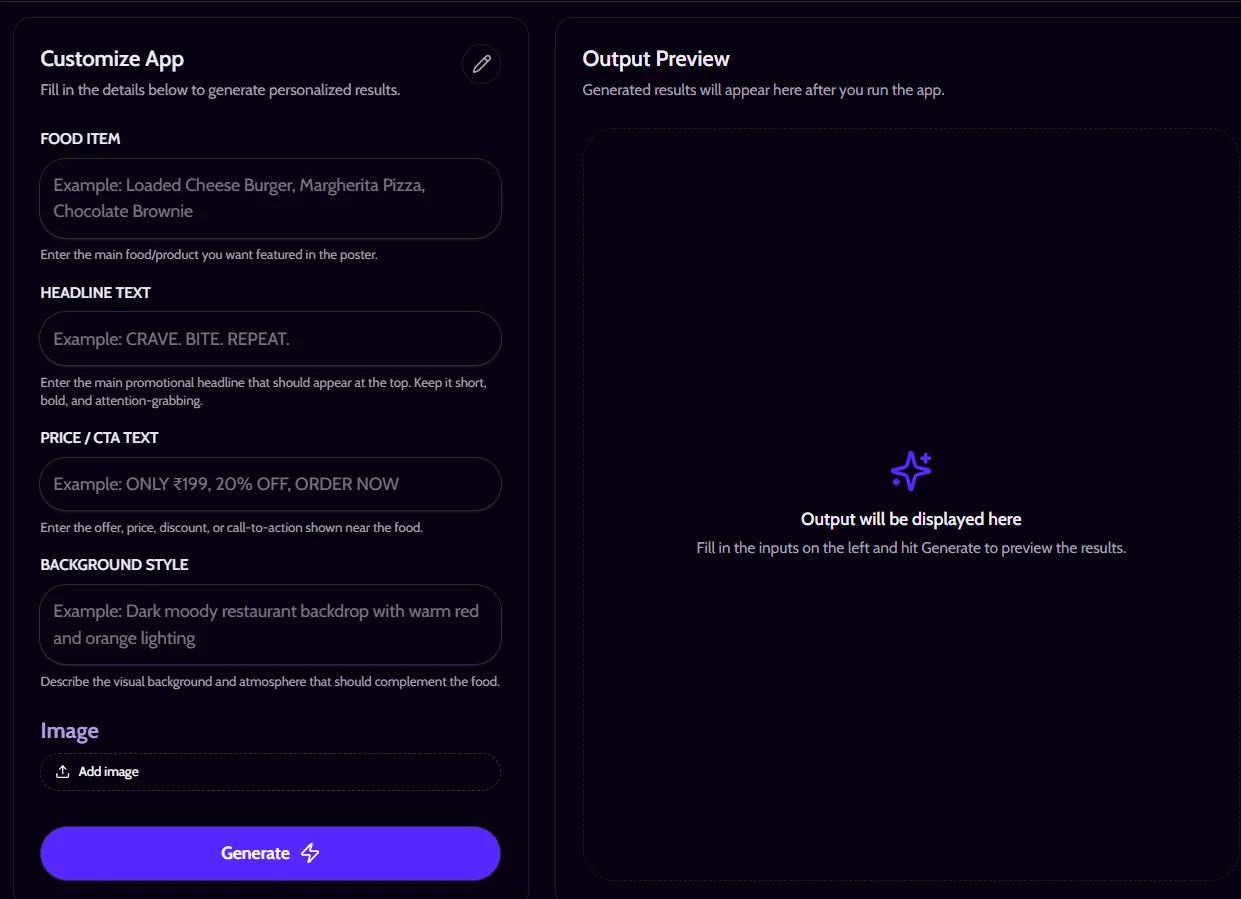
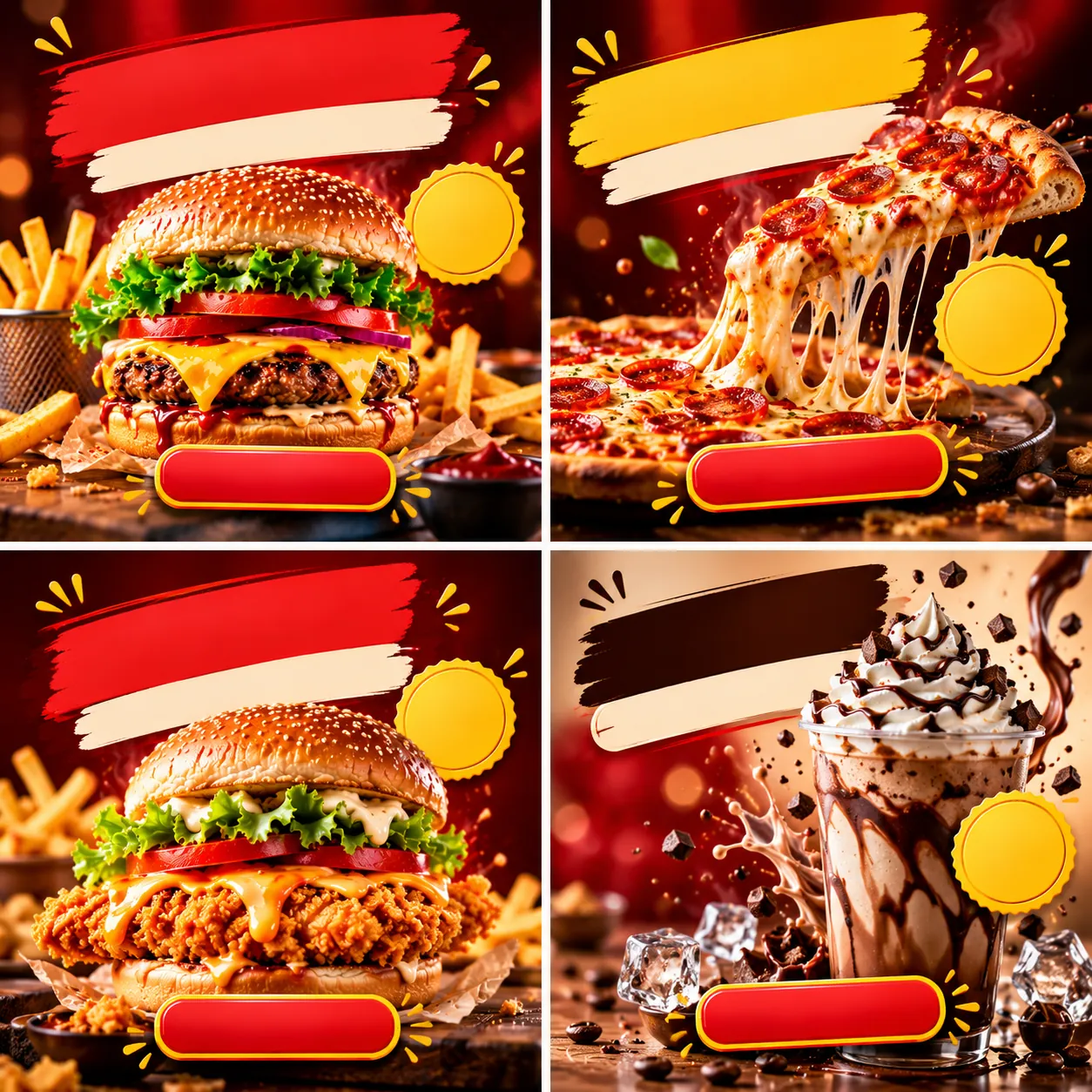
A good burger photo can make you hungry in half a second. A bad one gets scrolled past even faster.
Small food businesses live in that gap. They need a poster with a mouthwatering hero shot, a loud headline, a price, and a clear "order now." But a photographer plus a designer is not always in the budget.
That gap raised a question I could not shake: could one well-built prompt do both jobs? This is the story of how that question became the Fast Food Advertising Poster Photos RAPP on RentPrompts and how you can use it.
Where the Idea Came From
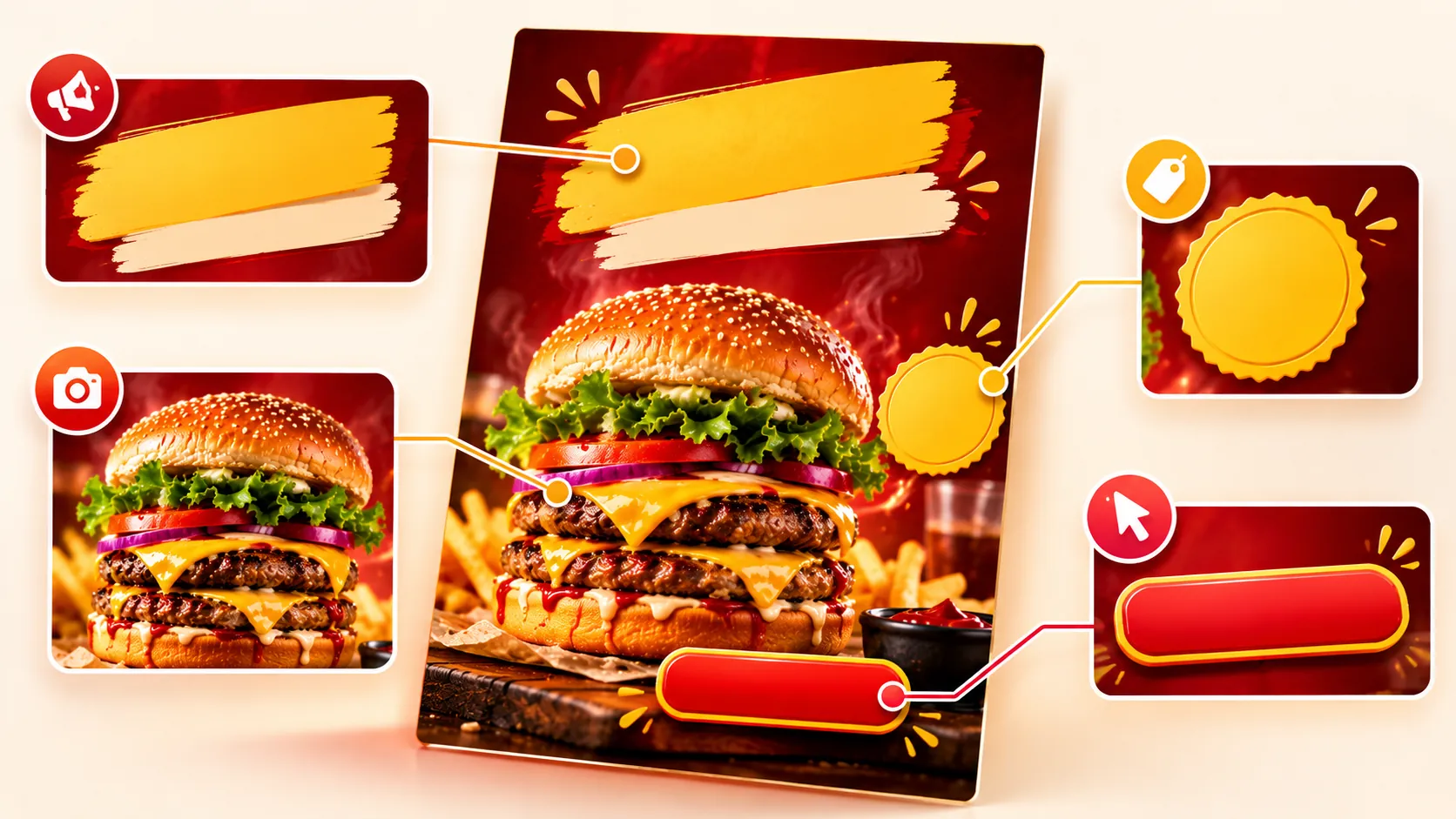
As a creator, I kept noticing that food ads follow a pattern. Look at the posters that make you stop scrolling, and they almost always do the same four jobs:
- Show the food in a way that looks fresh and craveable.
- Shout a headline that gives you a reason to care.
- State the price so the offer feels real.
- Tell you what to do next with a call to action.
Once I saw those four jobs, the idea felt simple: package them into one tool that a restaurant, cafe or cloud kitchen could run in a few clicks.
Why a Food Poster Is Harder Than a Food Photo
Making a tasty-looking image is only half the work. A poster also needs text that people can actually read.
For years, AI image generators were known for warped letters and made-up words. A RentPrompts community article explains why: earlier tools learned what text looks like as a shape, not what it means as language. That is a problem when your poster says "Buy 1 Get 1" and the price has to be right.
Why I Chose GPT-Image-2
The same article describes gpt-image-2 as working differently from those older diffusion-based tools, generating images the way a language model generates text. In practice, that makes it a better fit for posters where headlines and prices sit inside the image.
It is not magic, though. Generated text is still part of the image pixels, so you should always proofread the headline and the price before you post.
How I Shaped the Prompt
The prompt is built around the four jobs above. Instead of asking for "a nice burger poster," it guides the model toward:
- Cinematic food visuals: dramatic lighting, close framing, and an appetizing look.
- Promotional headlines: short, bold copy that sells the offer.
- Prices and CTAs: clear placement so the offer is easy to read.
- Branding-ready design: a layout a food business can adapt to its own look.
The lesson I would pass on: a specific prompt beats a clever one. The more clearly you describe what each part of the poster should do, the less the model has to guess.
Turning the Prompt into a RAPP on RentPrompts
A prompt sitting in a notes app helps only me. On
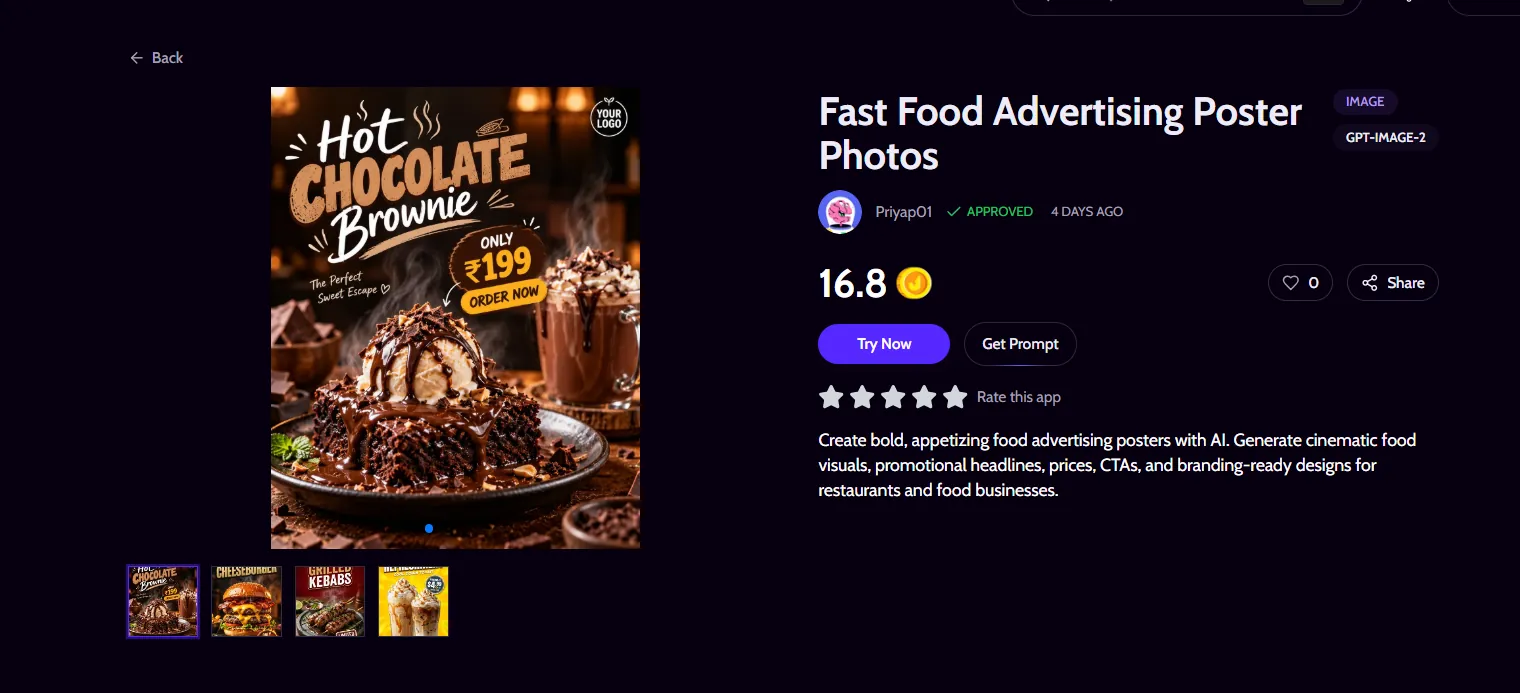
RentPrompts, I could publish it as an AI app that anyone can run. The Fast Food Advertising Poster Photos app is listed on the
RentPrompts marketplace with gpt-image-2 as its model.
The app page offers a Try Now button for running it and a Get Prompt option if you want to see how it works. New users also get 10 free joules with signup, according to the listing.
How to Use the App
- Sign up or log in to claim the free joules.
- Click Try Now and describe your dish, offer, price, and call to action.
- Generate the poster and check every word, especially the price.
- Adjust one detail at a time until the poster fits your brand.
Who This App Is For
- Restaurants and cafes promoting a new dish or combo.
- Cloud kitchens and delivery brands that need frequent offer posters.
- Social media managers creating festival and weekend deals.
- Creators who want food visuals without a studio shoot.
Common Mistakes to Avoid
- Skipping the proofread. AI text can still contain errors, so check the price and headline every time.
- Overloading the poster. One offer per poster reads better than five.
- Being vague about the dish. Name the food, its texture, and its toppings.
- Ignoring your brand. Mention your colors and tone so the poster feels like yours.
What I Learned
The best AI apps do not come from complicated tech. They come from noticing a repeated problem and packaging a clear solution. For food businesses, that problem is simple: great-looking posters, fast.
Frequently Asked Questions
What is the Fast Food Advertising Poster Photos app?
It is an AI app on RentPrompts that creates food advertising posters, including cinematic visuals, promotional headlines, prices, CTAs, and branding-ready designs for restaurants and food businesses.
Which AI model does it use?
The app page lists gpt-image-2 as its model.
Can I try it for free?
The app page says new users get 10 free joules with signup. Check the current details on the page before you start.
Can I use the posters commercially?
Check the RentPrompts terms and conditions for usage rights before using generated posters in paid campaigns.
Conclusion: Start With One Poster