
Featured insight
How to Share an Issue on RentPrompts: The Step-by-Step Guide Nobody Handed You

rentprompts
August 14, 2026•3 min read
#explore rentprompts
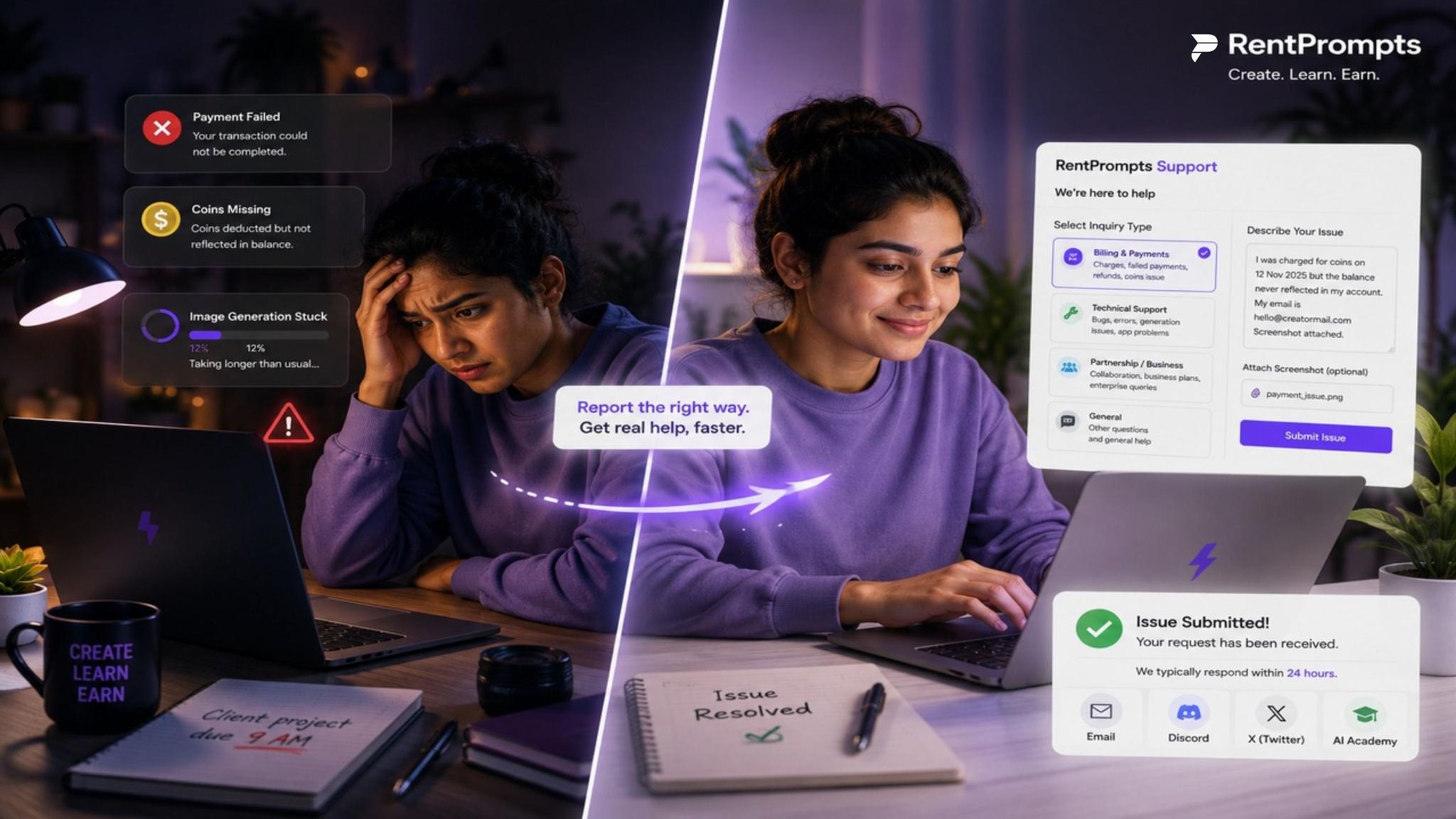
It's 11 PM, and Aanya is finishing an AI-generated product shoot for a client that's due at 9 AM. She's used RentPrompts a dozen times before generating, downloading, and delivering. Except this time, a payment doesn't go through, her coins vanish from the balance, and the image she paid for never lands in her dashboard.
Her first instinct? Panic-click every button on the screen. Her second instinct, the right one, is to actually report the issue the way the platform expects, so a real person can look at it instead of her message getting lost in a random DM.
If you've ever been in Aanya's shoes, this guide is for you. We dug into RentPrompts' own Support page so you don't have to hunt around. Here's exactly how the reporting system works, which category to choose for your specific problem, and how to word your message so it gets resolved on the first try instead of the third.
Why Knowing "Where to Report" Actually Matters
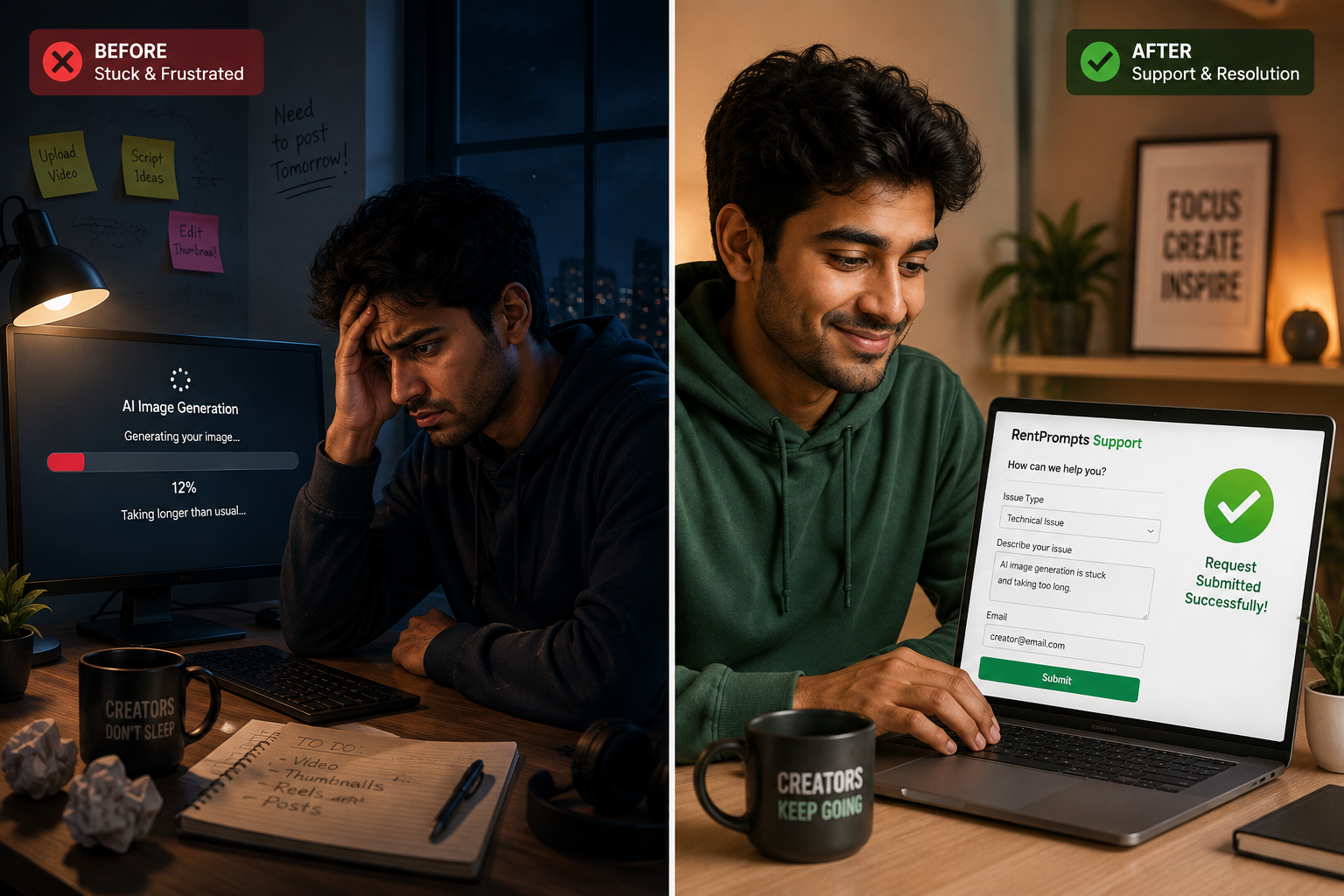
RentPrompts positions itself as a one-stop generative AI marketplace where creators generate and sell assets, images, audio, video, and prompts, learn with the community, and earn through AI bounties. With that much happening on one platform, generations, payouts, marketplace sales, and bounty payment issues don't all look the same. A billing glitch needs different information than a broken prompt upload. Send the wrong details to the wrong place, and you're stuck waiting longer than you should.
The good news: RentPrompts has built one central hub for this, the Support page, and it's more structured than it first looks.
Step-by-Step: How to Share an Issue on RentPrompts
Step 1 - Go to the Support Page
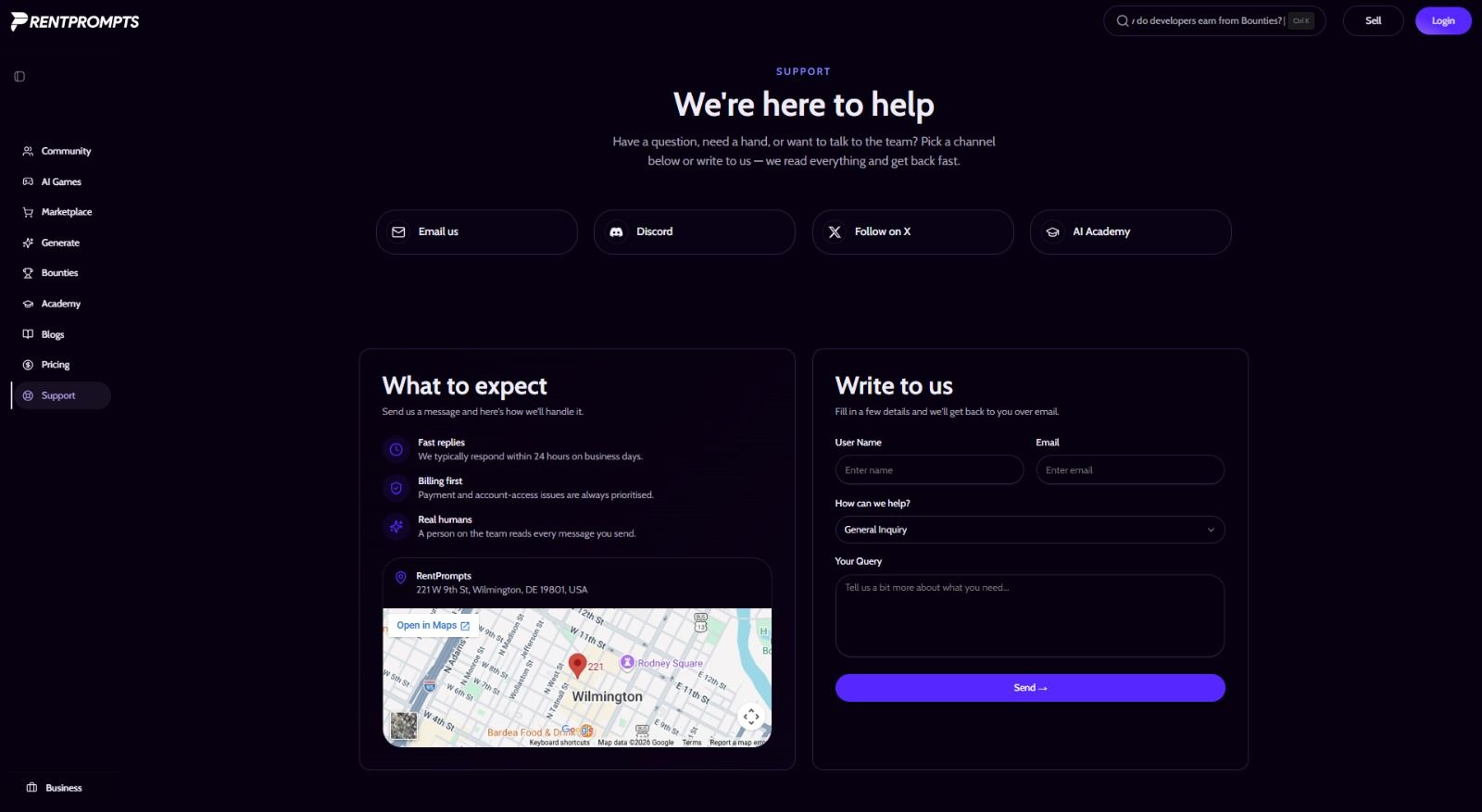
Head straight to the Support Page. This is the official hub for every kind of query - technical, billing, partnerships, or general questions. You'll land on a page that literally opens with "We're here to help," followed by four quick-access channels and a contact form.
Step 2 - Choose the Correct Inquiry Type
This is the single biggest lever for a fast reply. RentPrompts explicitly prioritizes categories, so picking the right one puts you in the right queue instantly:
- Billing & Payments - for charges, failed transactions, missing coins, refunds
- Technical Support - for bugs, generation failures, upload issues, broken prompts/apps
- Partnership / Business - for collaborations, business plans, and enterprise queries
- General - anything that doesn't fit the above
The support team confirms that payment and account-access issues are always handled as priority, so if your problem touches money or login access, tagging it correctly gets you seen faster.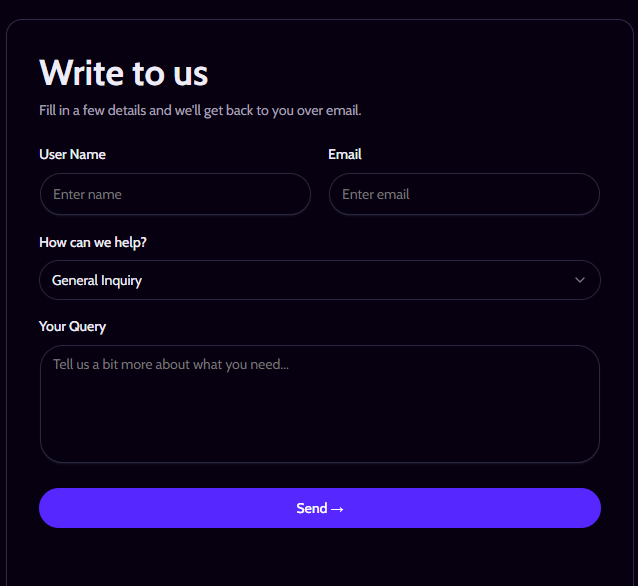
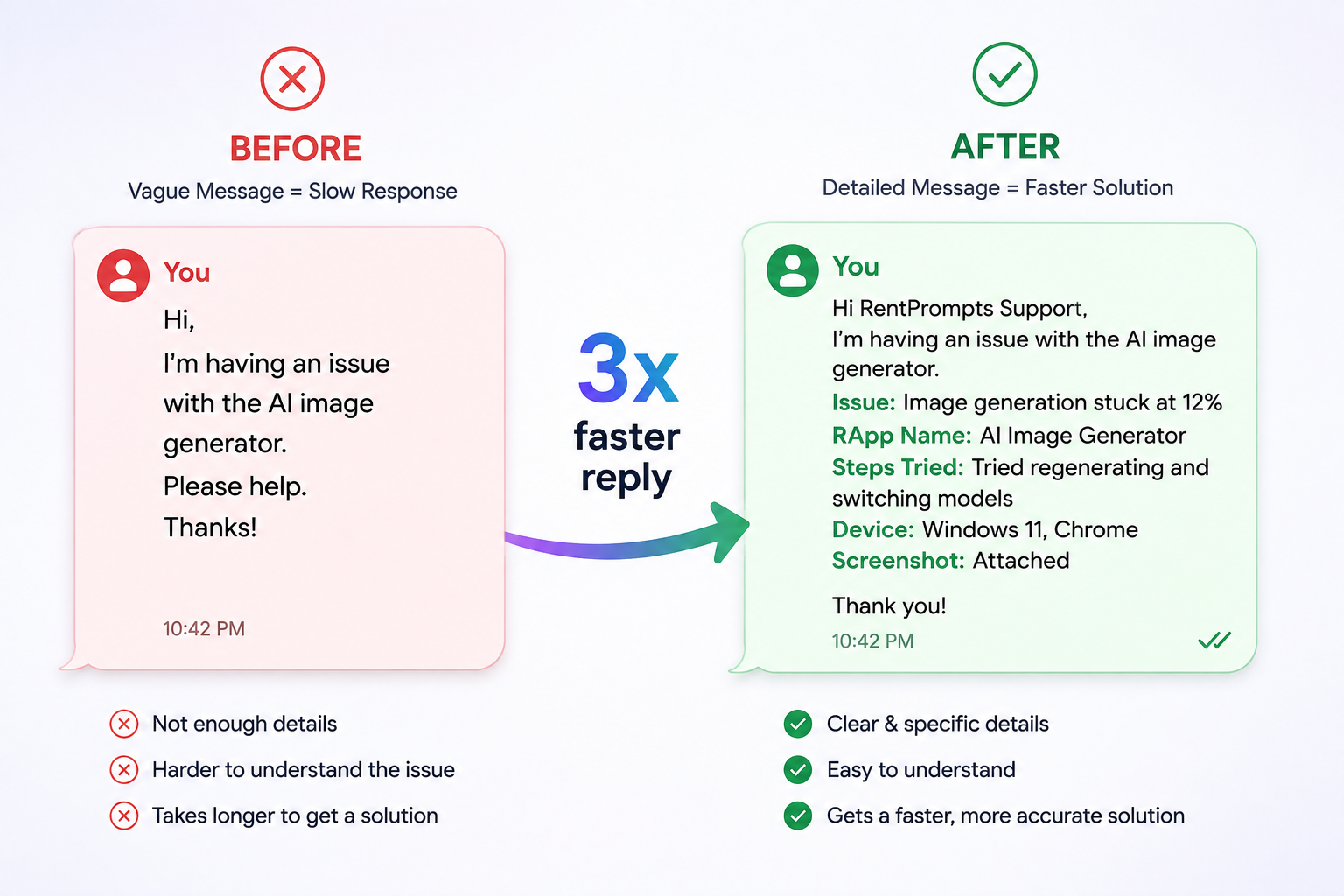
Step 3 - Write a Query That Gets Resolved on the First Reply
Here's the difference between a message that gets bounced back with "Can you clarify?" and one that gets solved immediately:
Weak version:
"My payment didn't work, please help."
Strong version:
"I was charged for [X coins / plan] on [approximate date], but the balance never reflected on my dashboard. My account email is [xxxx@xxxx.com]. Screenshot attached."
For billing issues specifically, the support team recommends including your account email and the approximate date of the charge; that's literally what lets them locate the transaction quickly instead of digging through logs blind.
Step 4 - Hit Send and Know What Happens Next
Once you submit your query, here's the timeline you can expect:
- First response: Typically within 24 hours on business days
- Who reads it: A real person on the team, not a bot
- Priority handling: Billing and account-access issues jump the queue
- Resolution: Your query is typically resolved within 2–3 business days
- How you'll know: You'll be notified via email and an in-app notification the moment your query is resolved
No need to send five follow-up emails in the meantime; flooding the same inbox usually resets you to the back of the line, not the front. Just keep an eye on your inbox and notifications, and you'll know the moment it's sorted.
What If You Need Help Building Something, Not Just Reporting a Bug?
Not every "issue" is a broken feature. Sometimes it's "I don't know how to publish my prompt" or "How do I set up an AI app for sale?" For that, RentPrompts recommends Technical Support through the same form, but honestly, checking the AI Academy first can save you the wait entirely, since it's built with step-by-step guides for exactly these situations.
Quick FAQ: Reporting Issues on RentPrompts
How quickly will I get a reply?
You'll get a first response within 24 hours on business days, with billing and account-access issues prioritized. Most queries are fully resolved within 2–3 business days, and you'll be notified via email and in-app notification once that happens.
I have a billing or payment problem. What should I include?
Select "Billing & Payments" as your inquiry type, and include the email on your account plus the approximate date of the charge.
How do earnings and payouts work if something looks off?
Creators earn when their prompts or apps are used or purchased, and balances/payouts are tracked from the dashboard. Anything unexpected there should also go through "Billing & Payments."
Can I get help building or publishing something, not just fixing a bug?
Yes - choose "Technical Support" and describe what you're trying to do, or check the AI Academy for self-serve guides.
Does RentPrompts offer partnerships or business plans?
Yes - select "Partnership / Business" on the form and describe your organization; the team follows up directly.
Where's the fastest place to get a quick answer from the community?
Discord - it's the fastest spot to reach both other builders and the RentPrompts team informally
The Real Takeaway
Reporting an issue on RentPrompts isn't complicated once you know the shape of the system: go to the Support Page → pick the right category → give specific details → let the 2–3 day resolution window play out. That's really the whole system. Skip the panic-DMs, use the contact form, and tag it correctly, and you'll get an email plus an in-app notification the moment it's resolved.
If Aanya had known this the first time, her 11 PM emergency would've been a five-minute form instead of a night of refreshing her dashboard.
Ready to report your issue the right way? → Support Page
Explore more on RentPrompts:
· Blog
0 Comments

No comments yet. Be the first to start the discussion!