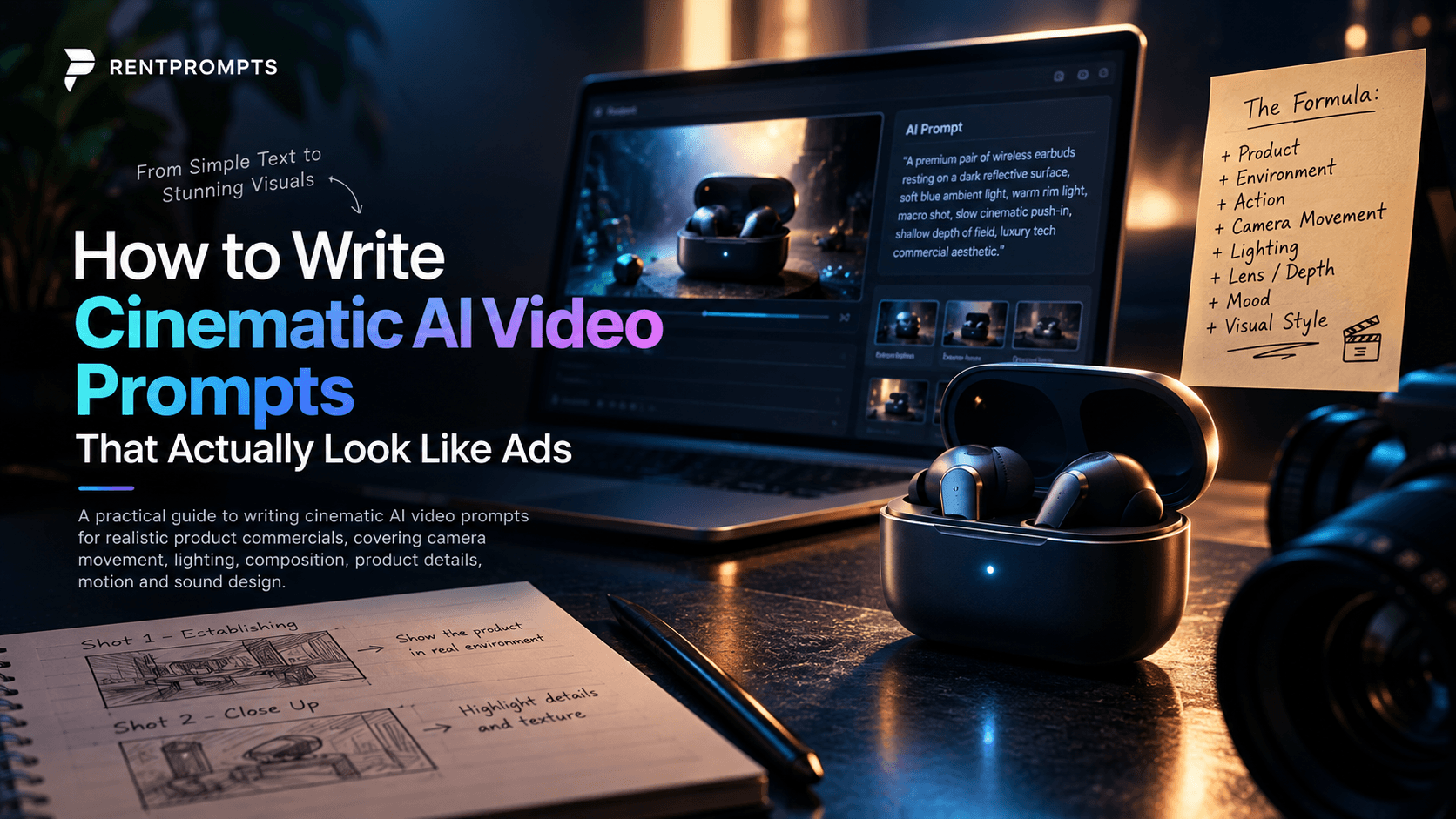
# How to Write Cinematic AI Video Prompts That Actually Look Like Ads
AI video generation has made it easier than ever to create impressive visuals. But there is a big difference between generating a beautiful clip and creating a video that actually feels like a professional advertisement.
The difference is often not the AI tool.
It is the thinking behind the prompt.
A strong cinematic prompt does not simply describe what should appear on screen. It describes how the audience should experience the product.
## 1. Start With the Story, Not the Prompt
Before writing a prompt, decide what the shot needs to communicate.
Instead of:
> "A smartwatch on a table."
Think:
> "The smartwatch is the hero. The scene should make it feel premium, precise, and futuristic."
Now the visual decisions become much clearer.
You can build the shot around five things:
- Product
- Environment
- Lighting
- Camera
- Motion
## 2. Give the Product a Hero Moment
For product advertising, the product should not feel like a random object placed inside an AI-generated scene.
For example:
**Basic prompt:**
> A pair of wireless earbuds on a desk.
**Cinematic approach:**
> A premium pair of wireless earbuds resting on a dark reflective surface, subtle condensation around the case, dramatic rim lighting outlining the edges, soft volumetric light in the background, macro product photography, shallow depth of field, slow cinematic camera push-in, luxury technology commercial aesthetic.
The second prompt gives the model a visual direction instead of just an object description.
## 3. Camera Movement Changes Everything
Camera movement can completely change the feeling of a shot.
Examples:
**Slow push-in**
Creates focus and importance.
**Orbit shot**
Works well for showing product design from multiple angles.
**Macro tracking shot**
Useful for highlighting buttons, textures, materials and details.
**Low-angle reveal**
Can make a product feel powerful and premium.
**Fast dolly-in**
Creates energy and impact.
A useful prompt structure is:
> Subject + environment + camera movement + lens/look + lighting + mood
## 4. Lighting Should Have a Purpose
Don't just write "cinematic lighting."
Describe what the light is doing.
For example:
> Soft blue ambient light fills the background while a narrow warm rim light traces the metallic edges of the product, creating separation from the dark environment.
This gives the AI a much stronger visual direction.
## 5. Add Physical Motion
Static AI shots can look attractive, but controlled physical movement makes a product film feel alive.
For example:
> The earbuds case slowly rotates while tiny water droplets slide across its surface, catching the highlights as the camera moves closer.
Small details like reflections, particles, shadows, fabric movement, water droplets and realistic object motion can make a scene feel much more cinematic.
## 6. Don't Put Everything Into One Shot
One of the biggest mistakes is trying to create an entire advertisement in a single prompt.
instead, think in shots.
### Shot 01 — Establishing
> A futuristic bedroom at night, subtle city lights visible through the window, a smartwatch resting on a bedside table, slow cinematic camera movement, premium technology commercial aesthetic.
### Shot 02 — Product Reveal
> Extreme macro shot of the smartwatch display activating, reflections moving across the glass surface, dramatic rim lighting, shallow depth of field, slow push-in.
### Shot 03 — Feature
> Close-up of a finger interacting with the smartwatch interface, realistic skin texture, precise touchscreen response, soft reflections on the glass, controlled studio lighting.
### Shot 04 — Hero Shot
> The smartwatch floating against a dark futuristic environment, subtle particles moving through the air, dramatic edge lighting, slow 180-degree camera orbit, premium product commercial, photorealistic.
Now the video has a visual story rather than four unrelated AI clips.
## 7. Think Like a Director
The goal of prompting should not be:
**"What can AI generate?"**
Instead ask:
**"What should the audience see, feel and understand in this shot?"**
That single change can completely improve the way you approach AI filmmaking.
AI can generate the image.
The creative direction comes from you.
## Final Prompt Formula
A simple formula I use for cinematic product shots is:
**[Product] + [Environment] + [Action] + [Camera Movement] + [Lighting] + [Lens/Depth] + [Mood] + [Visual Style]**
For example:
A premium wireless earbud case placed on a wet black surface, tiny water droplets sliding across the metallic finish, slow macro camera push-in, dramatic rim lighting with soft blue ambient light, shallow depth of field, realistic reflections, luxurious futuristic mood, high-end technology commercial, photorealistic.
The best AI videos are not created by adding more random words to a prompt.
They are created by making better visual decisions before writing the prompt.