What is Nano Banana 2?
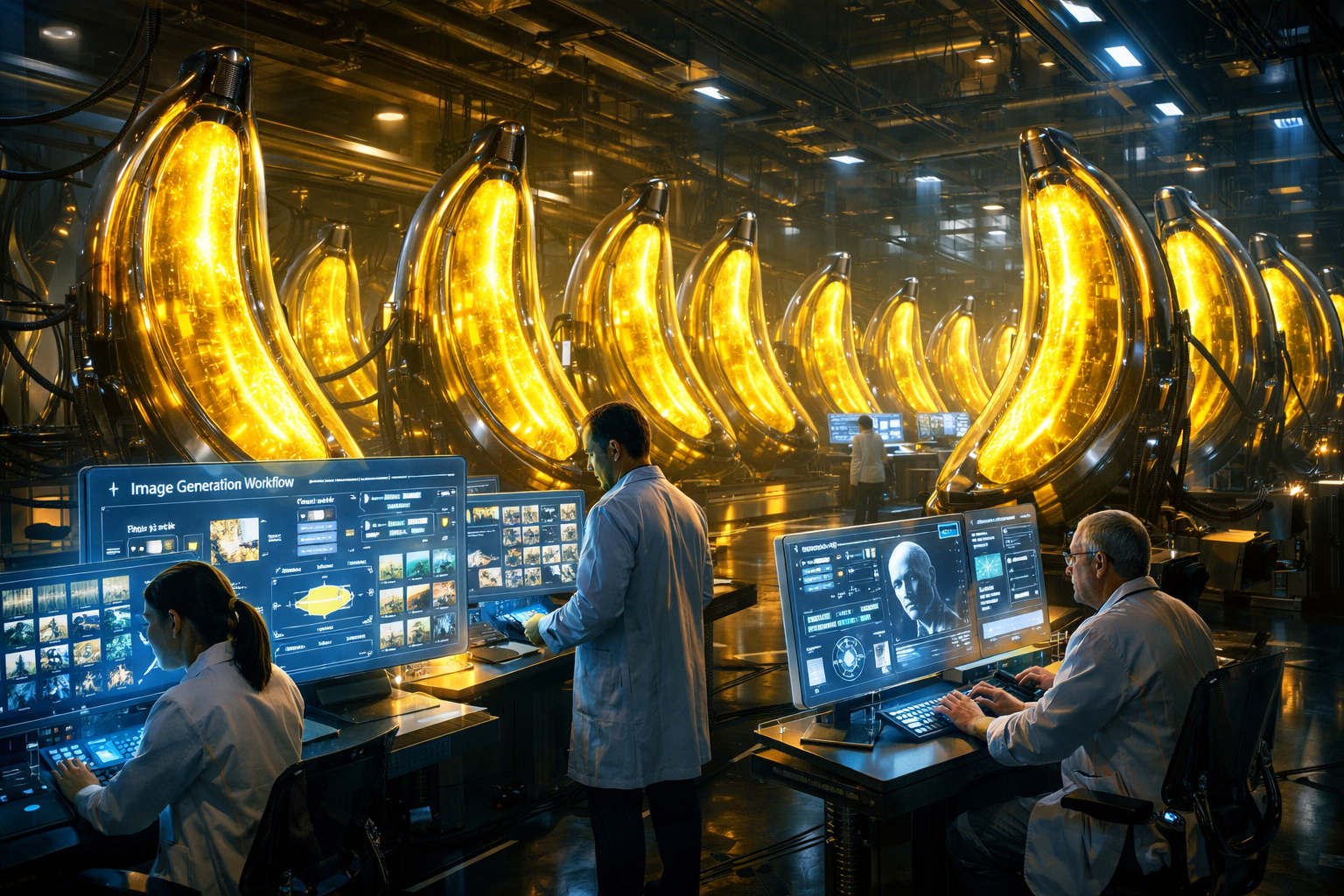
Nano Banana 2 (technically known as Gemini 3.1 Flash Image) is Google's latest and most powerful AI image generation model, launched in February 2026. It is the successor to the original Nano Banana model released in August 2025 and the more advanced Nano Banana Pro introduced in November 2025.
Think of Nano Banana 2 as the best of both worlds it combines the stunning visual quality of Nano Banana Pro with the speed and efficiency of the original Nano Banana. The result is a model that lets you generate gorgeous, high-resolution images in seconds, using nothing but a text description.
Since its launch, Nano Banana 2 has become the default image generation model across the entire Gemini ecosystem including the Gemini app (Fast, Thinking, and Pro modes), Google Search AI Mode, Google Lens, and the video editing tool Flow. It's available in 141 countries. Why Does Nano Banana 2 Matter?
You might be thinking: "There are so many AI image generators already Midjourney, DALL·E, Stable Diffusion why should I care about Nano Banana 2?" Fair question. Here's why this one is different. Free for Everyone
Nano Banana 2 brings Pro-level quality to all Gemini users no paid subscription needed to create stunning images.
Flash Speed
Built on Gemini 3.1 Flash architecture, it generates images significantly faster than Nano Banana Pro.
Real-Time Web Knowledge
It can use web search grounding to generate images based on current events, real-world data, and up-to-date references.
4K Resolution
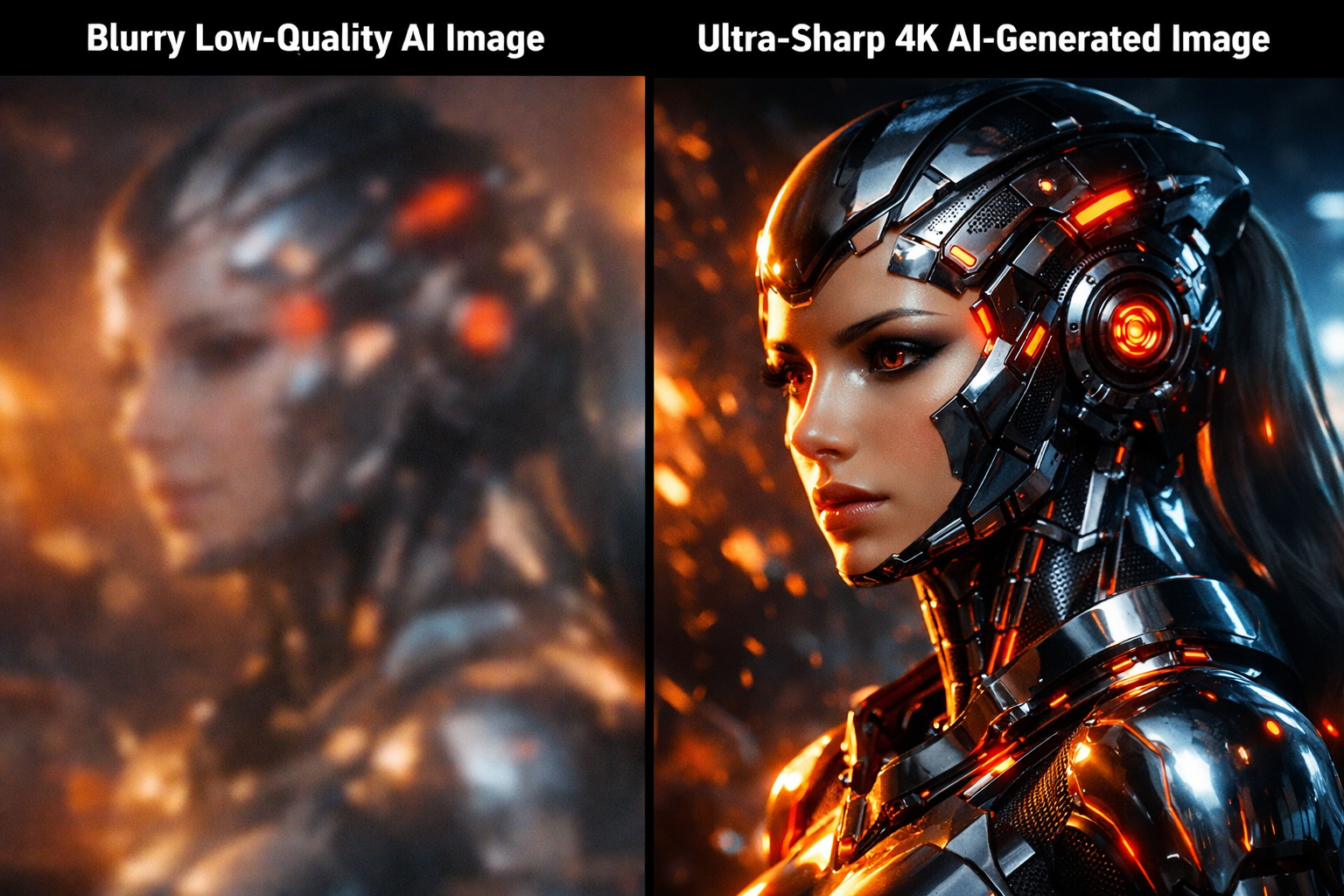
Create images from 512px all the way up to 4K resolution, in multiple aspect ratios perfect for professional use.
Accurate Text Rendering
Finally an AI image model that gets text right! Generate marketing mockups, greeting cards, and logos with legible text.
Character Consistency
Maintain up to 5 consistent characters and 14 objects across a single image generation workflow great for storytelling.
"Nano Banana 2 delivers Pro-level intelligence and fidelity for all image applications — at Flash speed." — Google Blog
Key Features & Capabilities
1. Text-to-Image Generation
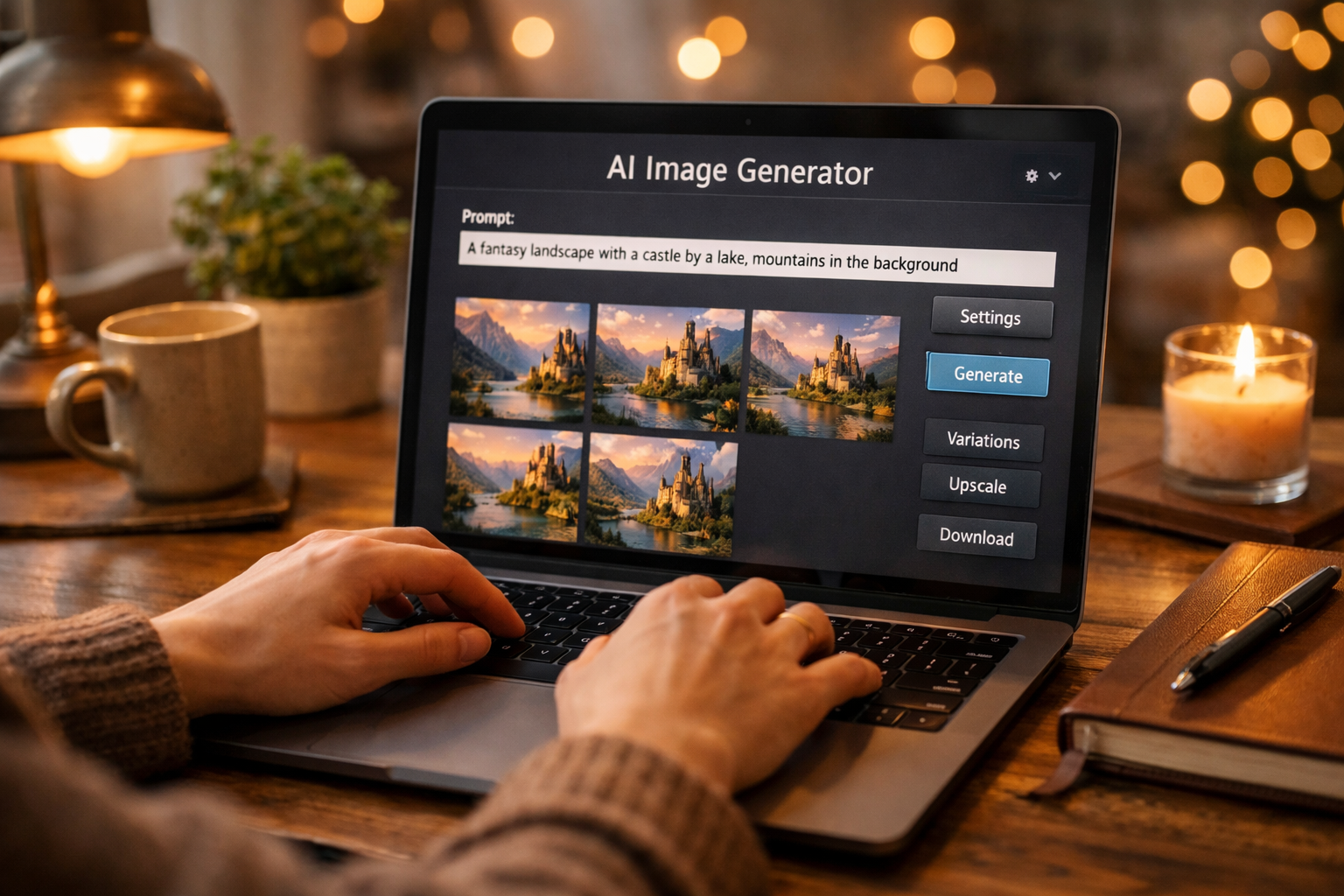
The core feature. Simply type a description and Nano Banana 2 converts it into a photorealistic or artistic image. The model is exceptional at understanding nuanced, detailed, and even complex multi-object prompts.
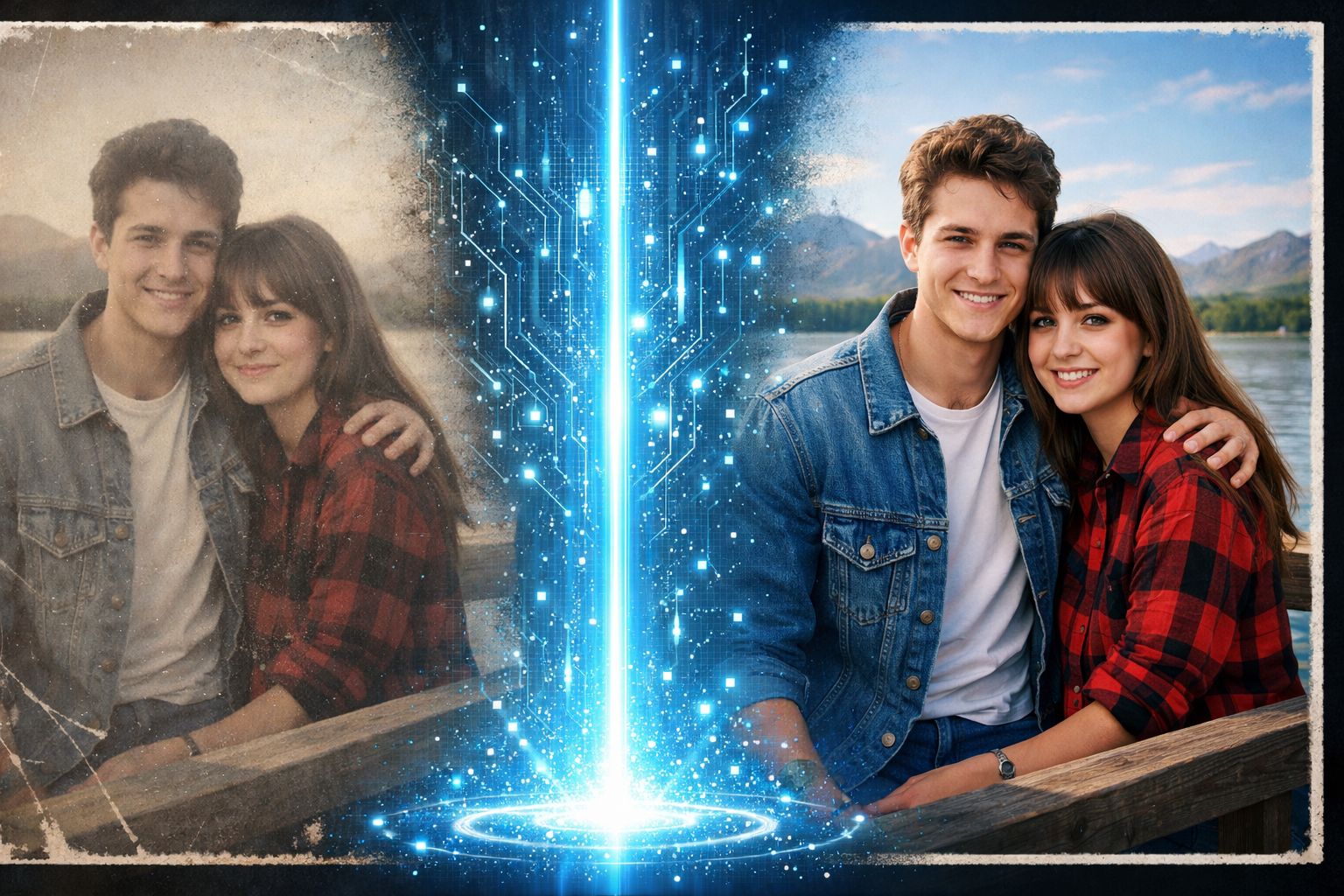
You can provide an existing image and ask Nano Banana 2 to modify it change colors, add elements, change the style, restore old photos, or even upscale to 4K. This is done conversationally, meaning you can refine your image across multiple turns just by chatting.
3. Multi-Style Support
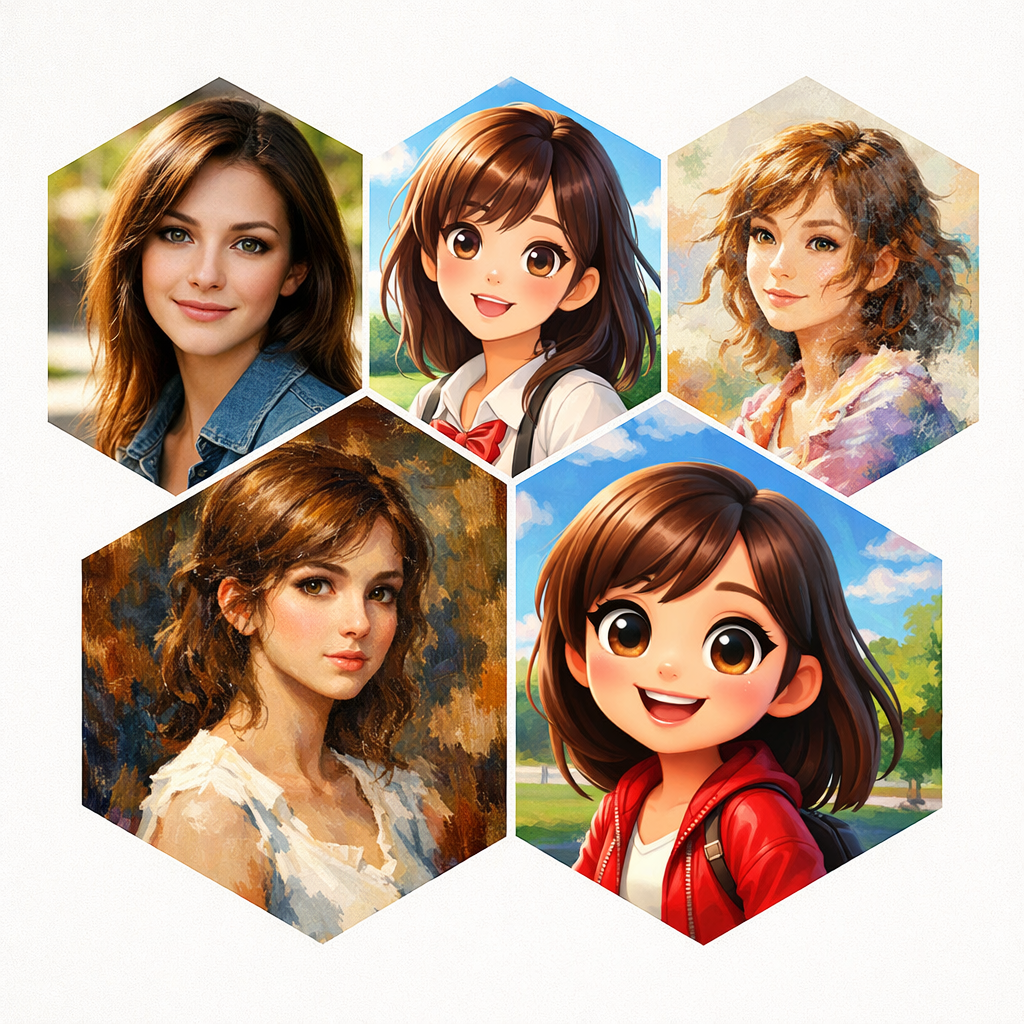
Nano Banana 2 handles a wide range of styles including photorealism, anime, 3D cartoon, isometric illustration, oil painting, watercolor, claymation, pencil sketch, and many more all in a single model.
4. Text Rendering in Images
One of the most requested features in AI image generation is accurate text. Nano Banana 2 finally delivers this you can ask it to put specific words on a poster, create a magazine cover with a title, or design a product label with legible text.
5. Search Grounding
Using
Google Search grounding,
Nano Banana 2 can look up real-world information before generating an image. Ask it to "show today's weather in Tokyo in a city map illustration" and it actually fetches the current weather to inform the image!
6. SynthID Watermarking & C2PA Support
Every image generated by
Nano Banana 2 includes an invisible
SynthID watermark that identifies it as AI-generated. The model also supports
C2PA Content Credentials, an industry standard backed by Adobe, Microsoft, Google, OpenAI, and Meta.
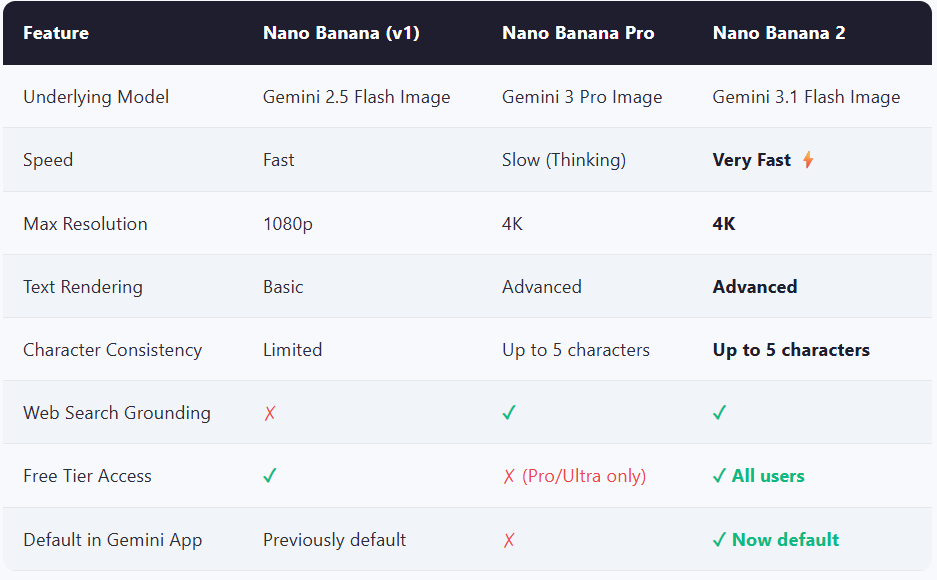
Nano Banana 2 vs. Previous Models
Here's a quick comparison to understand exactly where Nano Banana 2 fits in the ecosystem:
Getting Started with Nano Banana 2
Let's walk through three different ways to use Nano Banana 2
Method 1: Use It Directly in the Gemini App
The easiest way is to use theGemini app directly in your browser or on mobile. Nano Banana 2 is now the default image model, so you don't need to configure anything. Sign in with your Google account. No subscription required for basic image generation.
2 Type your image prompt
In the chat box, describe the image you want. Example: "Create a photo of a futuristic city skyline at night with neon lights reflected in the water."
3 Hit Enter and wait
Nano Banana 2 generates your image in seconds. You can then ask for changes in follow-up messages. Example: "Now make it daytime and add a rainbow."
4 Download or refine
Click the download icon to save the image, or keep chatting to refine the result further.
Method 2: Use Google AI Studio (Advanced, Free)
Google AI Studio is Google's free playground for developers. It gives you more control over the model, supports system prompts, and lets you experiment with grounding (web search).
Sign in with your Google account it's completely free to use.
2 Create a New Prompt
Click "Create new prompt" and select Gemini 3.1 Flash Image Preview (Nano Banana 2) from the model dropdown on the right sidebar.
3 Enable Image Generation
In the settings panel, toggle on "Image Generation." You can also enable "Google Search" for grounding if you want web-aware image generation.
4 Write and test your prompt
Enter your image prompt and click Run. AI Studio shows you the output alongside the prompt, making it easy to iterate.
5 Export to Code
Once satisfied, click "Get Code" to get a ready-to-use Python or JavaScript snippet for your application.
Method 3: Using Nano Banana 2 on RentPrompts
RentPrompts — Step-by-Step Walkthrough
1 Go to RentPrompts
Open your browser and navigate to
rentprompts.com. Sign up or log in to your account. It only takes 30 seconds to create a free account.
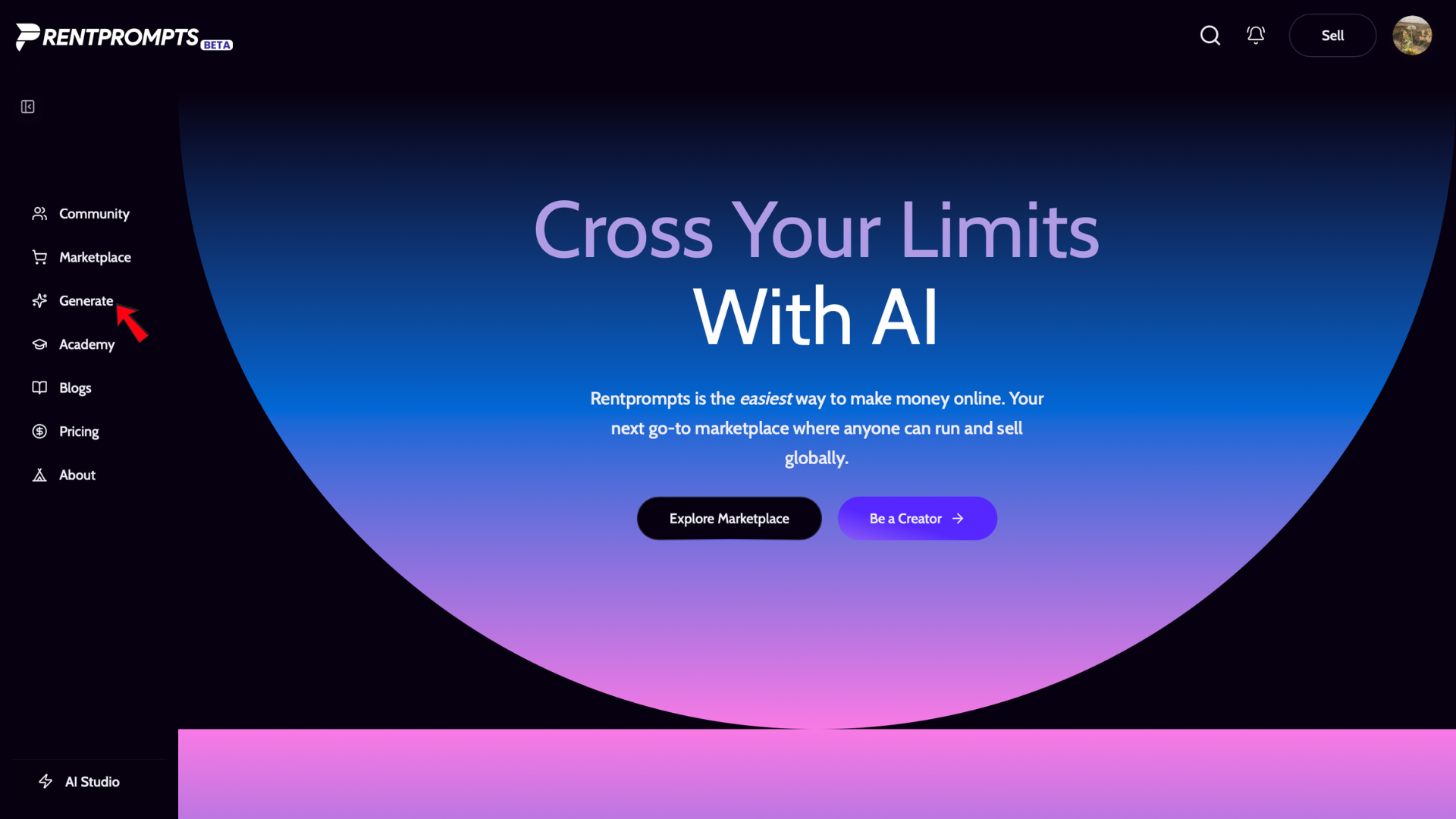
2 Go to the Generate Section
Once inside the dashboard, look for the "Generate" section in the left sidebar. Click on it to open the generation tools panel.
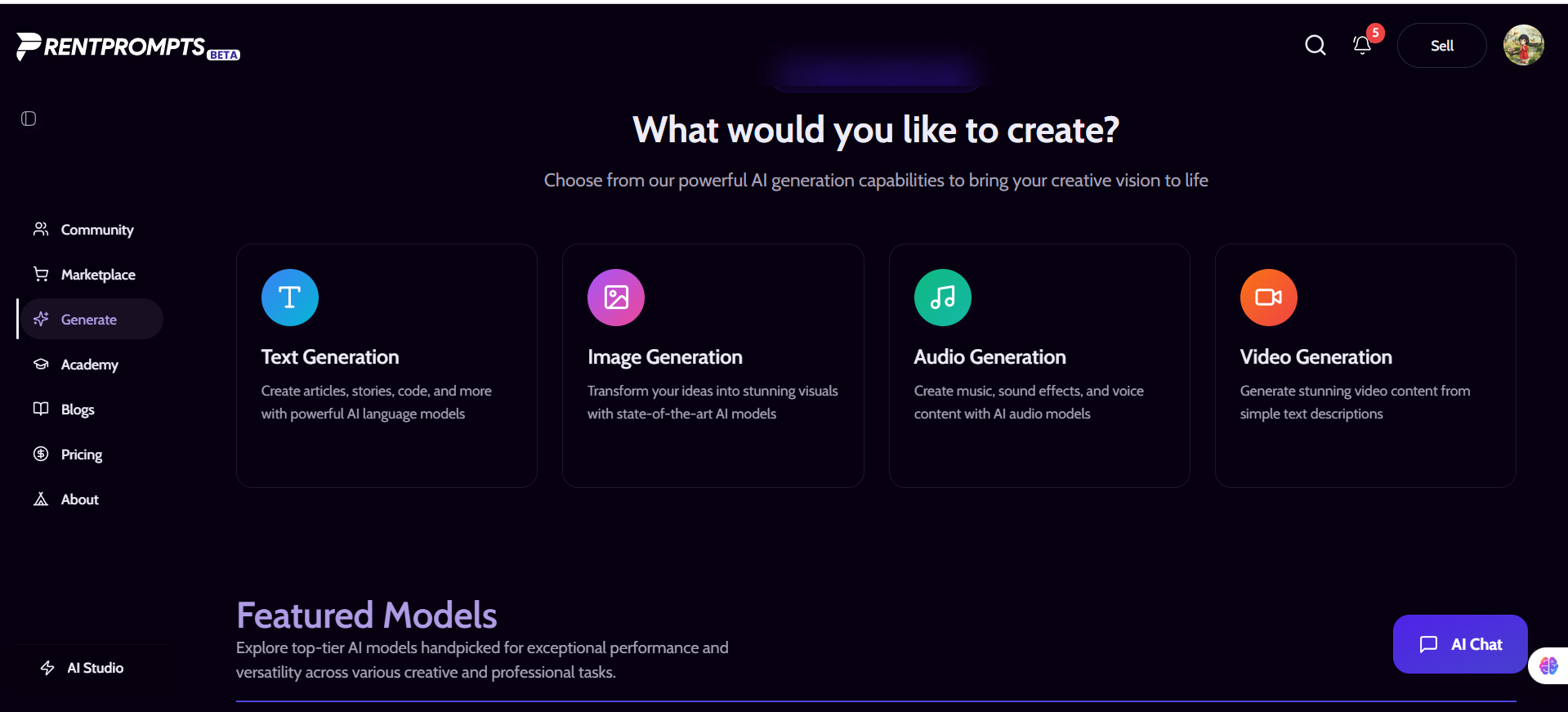
3 Select Image Generation
Inside the Generate section, you'll see different generation types (text, image, video, etc.). Click on "Image Generation" to proceed to the image tools.
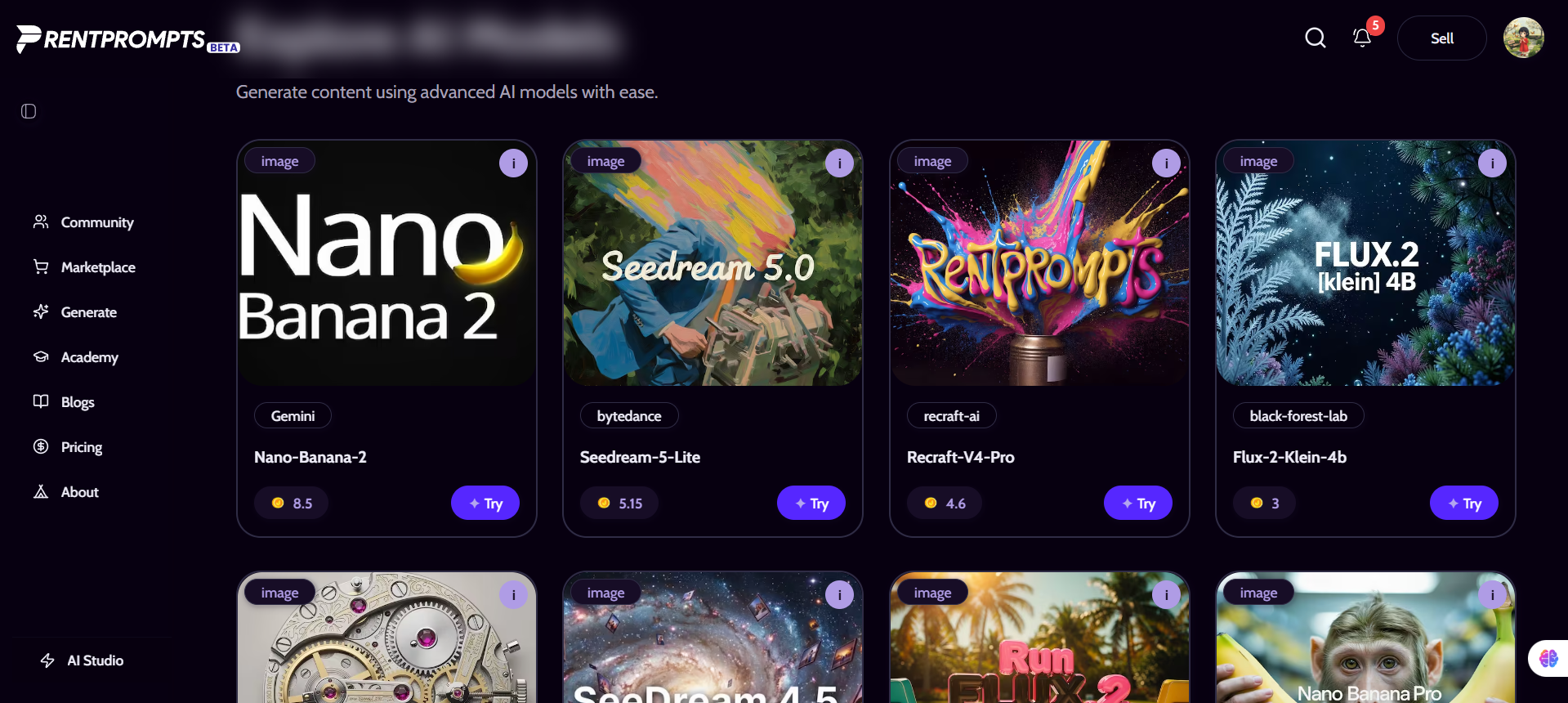
4 Look for the Nano Banana 2 Model
You'll see a list of available AI image models. Scroll through the model cards and look for "Nano Banana 2". It may also be listed as Gemini 3.1 Flash Image or simply Nano Banana 2 by Google.
5 Click "Try"
On the Nano Banana 2 model card, click the"Try" button. This opens the image generation interface specifically for Nano Banana 2.
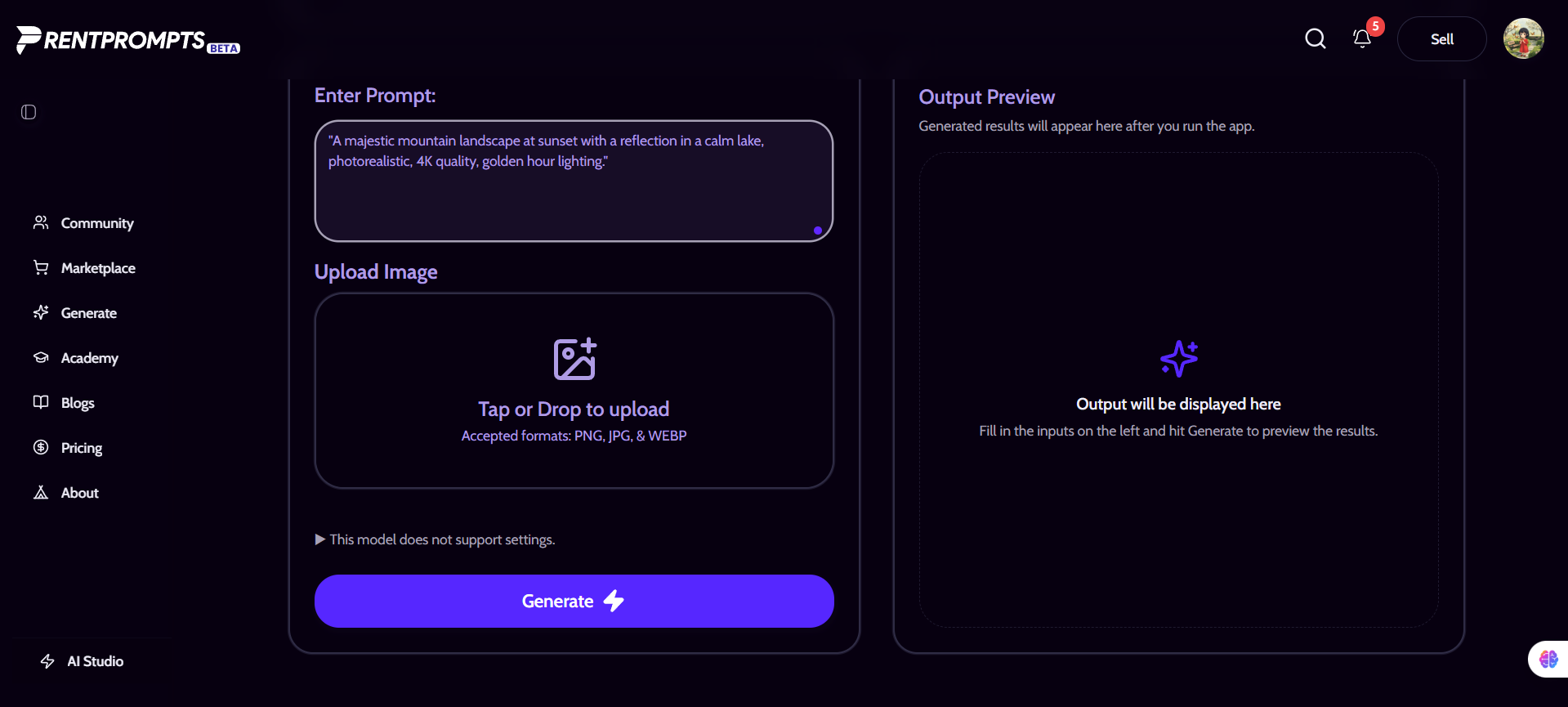
6 Write Your Prompt in the Generate Section
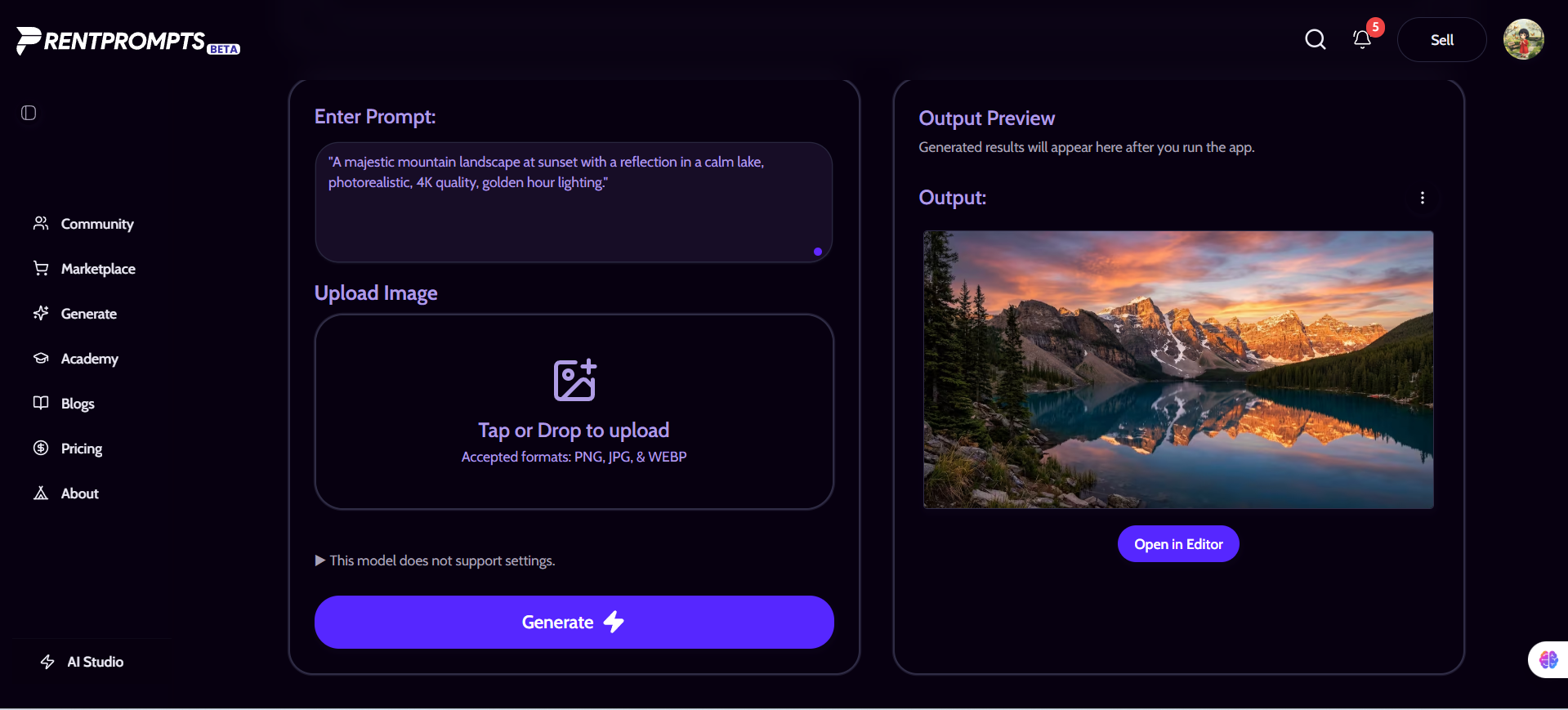
You'll see a large text input box labeled "Enter Prompt" . Type your image description here. Be as detailed as possible for best results. Example: "A majestic mountain landscape at sunset with a reflection in a calm lake, photorealistic, 4K quality, golden hour lighting."
7 Click "Generate Image"
Once your prompt is ready, click the "Generate Image" button. Wait a few seconds Nano Banana 2 is incredibly fast! Your image will appear on screen within seconds.
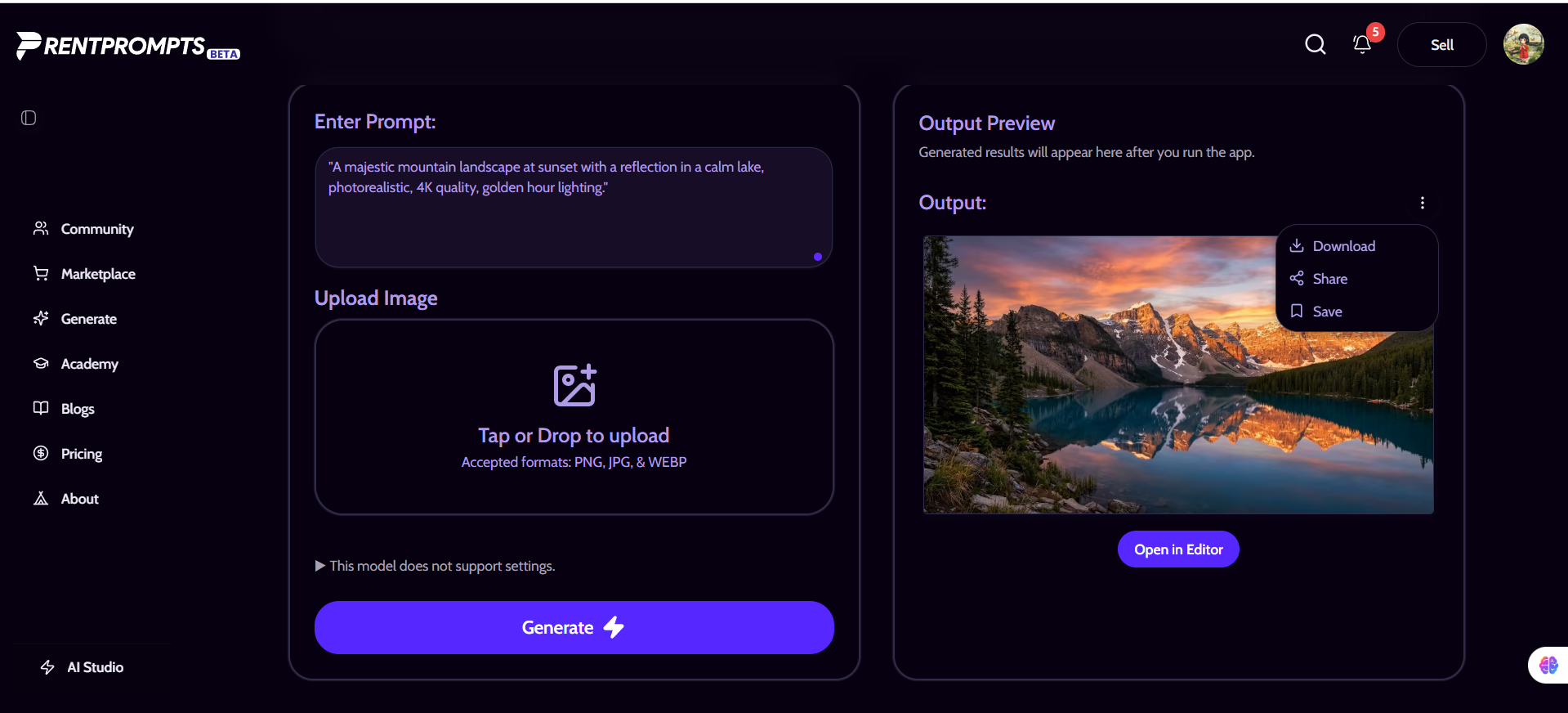
8 Download or Iterate
Download your image using the download button, or refine your prompt and generate a new variation. You can also save your favorite prompts in your RentPrompts library for future use.
Real-World Use Case Examples
1. E-Commerce Product Shots
Online store owners can generate professional product photography without expensive studio shoots. Just describe your product and the shot style.
Example Prompt:
"A wooden handmade coffee mug on a rustic kitchen table. Natural light, bokeh background, lifestyle photography. The mug has the text 'Morning Brew Co.' in elegant serif font."
2. Social Media Content Creation
Bloggers, influencers, and brands can generate unique, eye-catching visuals for Instagram, YouTube thumbnails, and Twitter banners in seconds.
3. Book & Blog Illustration
Writers can generate chapter illustrations, cover art, and character portraits that match their story maintaining character consistency across an entire book series.
4. Architecture & Interior Design Mockups
Designers can visualize interior concepts before a single piece of furniture is purchased. Just describe the room and style and Nano Banana 2 renders it.
5. Education & Training Materials
Teachers and instructional designers can generate custom diagrams, historical visualizations, and infographic elements that perfectly match their lesson content.
Journalists and publishers can quickly generate article header images, concept illustrations, and event visualizations with search grounding to ensure accuracy.
Final Thoughts
We've covered a lot of ground in this tutorial from understanding what Nano Banana 2 actually is, to writing powerful prompts, calling the Gemini API in Python and JavaScript, and even generating images directly on
RentPrompts without writing a single line of code.
But here's the most important takeaway: Nano Banana 2 is not just another AI image tool. It's a creative shift. For the first time, a model of this caliber capable of 4K images, accurate text rendering, real-time web grounding, and conversational editing is freely available to everyone. Whether you're a student, a freelancer, a startup founder, or an enterprise developer, Nano Banana 2 puts professional-grade visual creation in your hands.
What Should You Do Next?
If you're brand new to AI image generation, start simple. Go to the
Gemini app and type a description of something you've always wanted to see visualized. Maybe it's your dream home, a character from a story you're writing, or a product idea you've never been able to afford to photograph. Watch Nano Banana 2 bring it to life in seconds.
If you're a developer, clone a project and drop in the gemini-3.1-flash-image-preview model string. Start with a simple text-to-image call, then experiment with image editing and search grounding. The
Gemini Cookbook on GitHub has dozens of ready-to-run examples to get you going fast.
And if you just want the quickest, no-fuss experience with zero setup, head to
RentPrompts, find the Nano Banana 2 model, and start generating in 60 seconds flat.
.jpg&w=96&q=75)