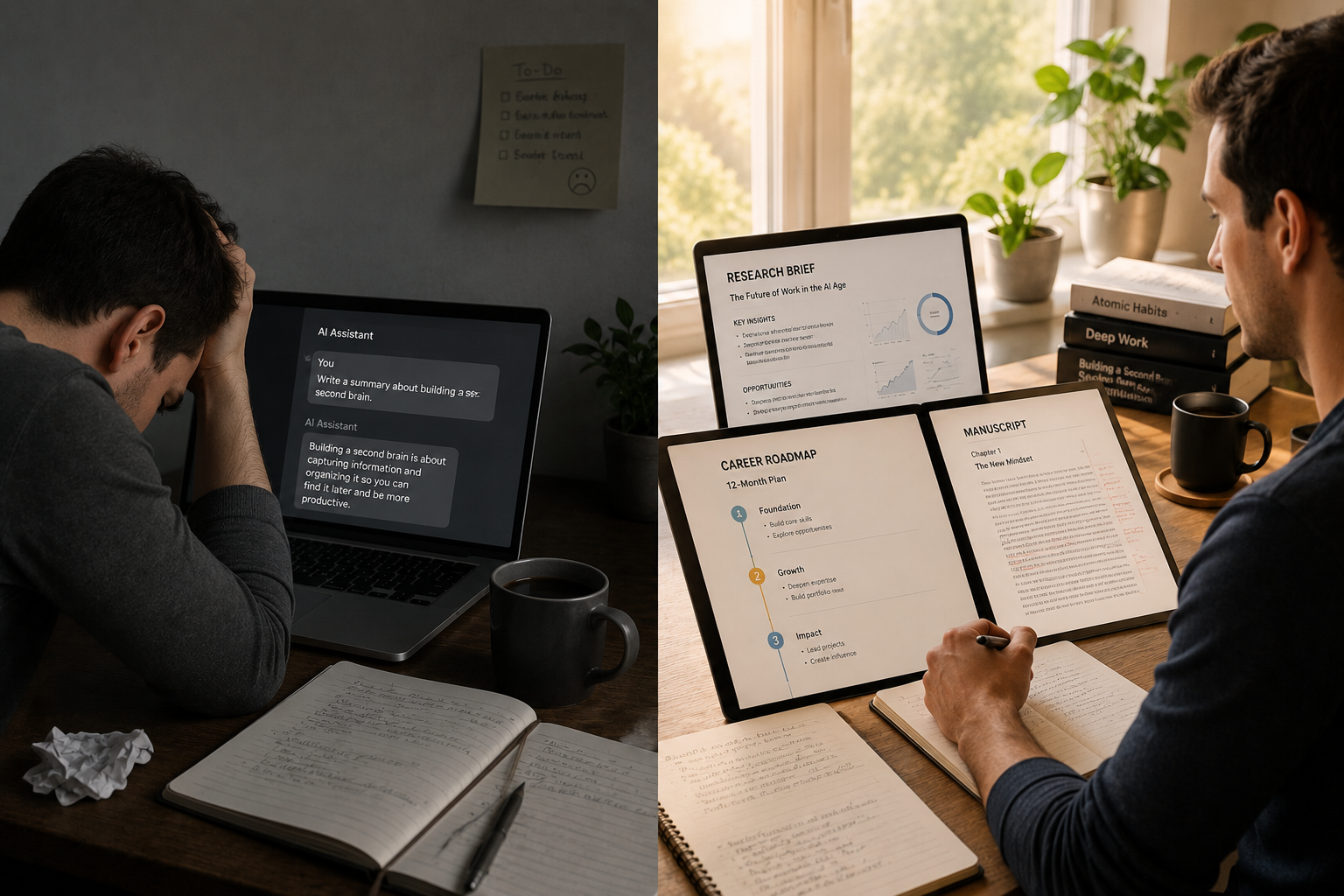
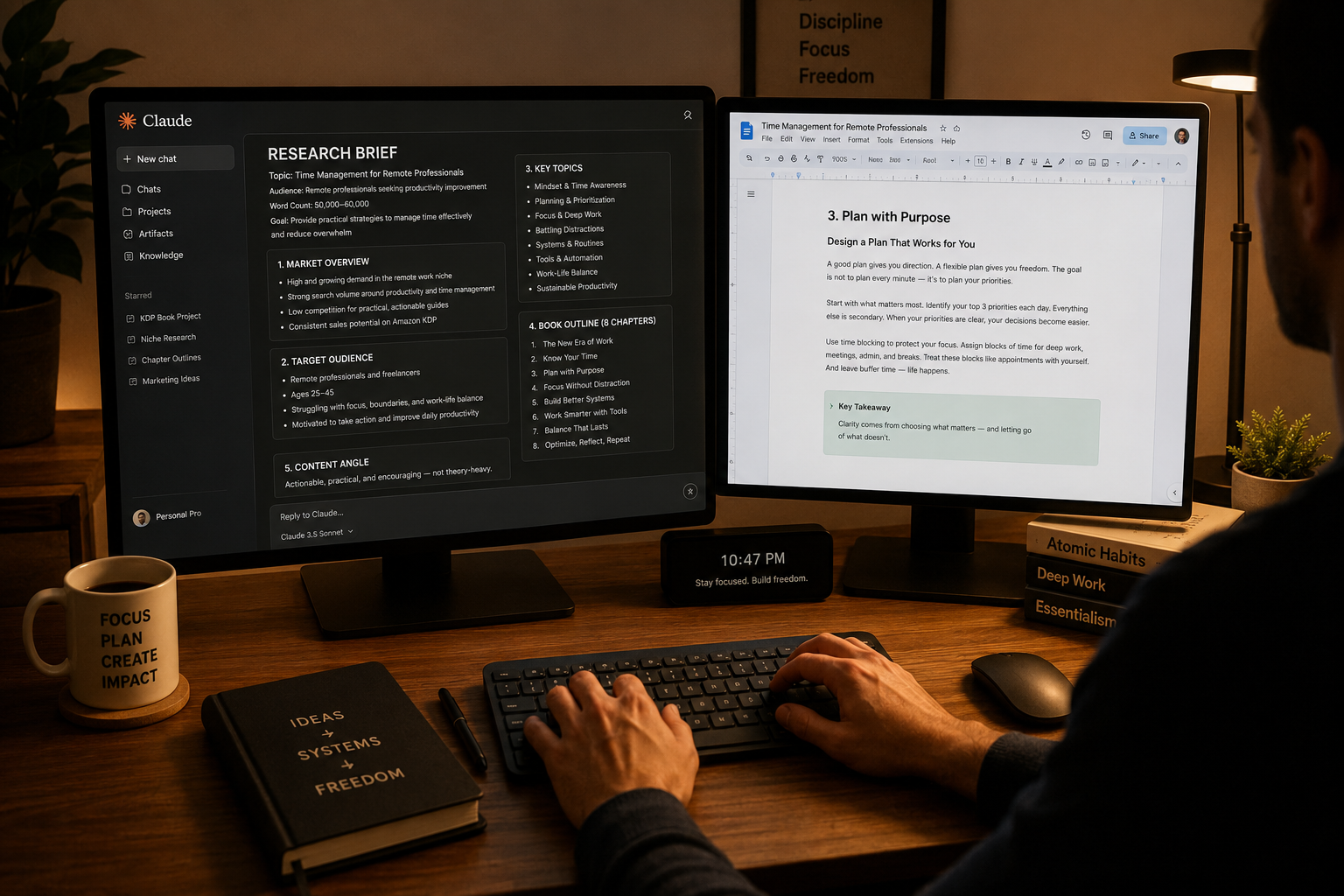
Last February, I was sitting across from a colleague at coffee when she casually mentioned she'd cancelled her Claude subscription. "I just wasn't getting enough out of it," she said. She'd been using it every day for three months, asking it to clean up her emails, rephrase a few sentences, summarize the occasional document. $20 a month. Gone.
I didn't say anything in the moment. But I thought, That's not a problem with Claude. That's a problem with the prompts. She was using a Formula 1 car to run errands to the grocery shop. The car wasn't the issue.
The difference between someone who cancels their Claude Pro subscription after 90 days and someone who calls it the most valuable $20 they spend every month is almost entirely a question of which prompts they're using. And that gap is exactly what the
20 Claude Prompts on RentPrompts was built to close, permanently.
"Most people pay $20/month for Claude and use it to summarize emails. Power users use it to run research, edit manuscripts, plan their career, coach their thinking, and analyze decisions before 9am."
The $20 Gap: How Most People Use Claude vs. How They Should
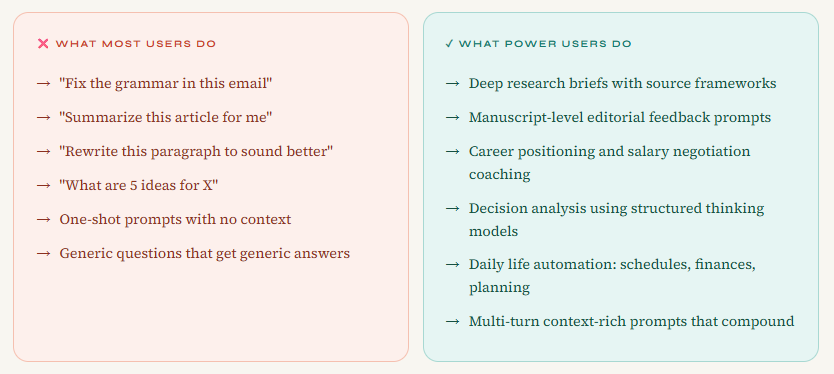
This isn't about judgment. The default behaviors are completely understandable. Claude is right there; you type something, and it helps. The problem is that casual use barely scratches the surface. Here's the honest split:
The gap between those two columns is not intelligence or technical skill. It's simply knowing which 20 prompts to run and having them formatted so you drop your details in and go.
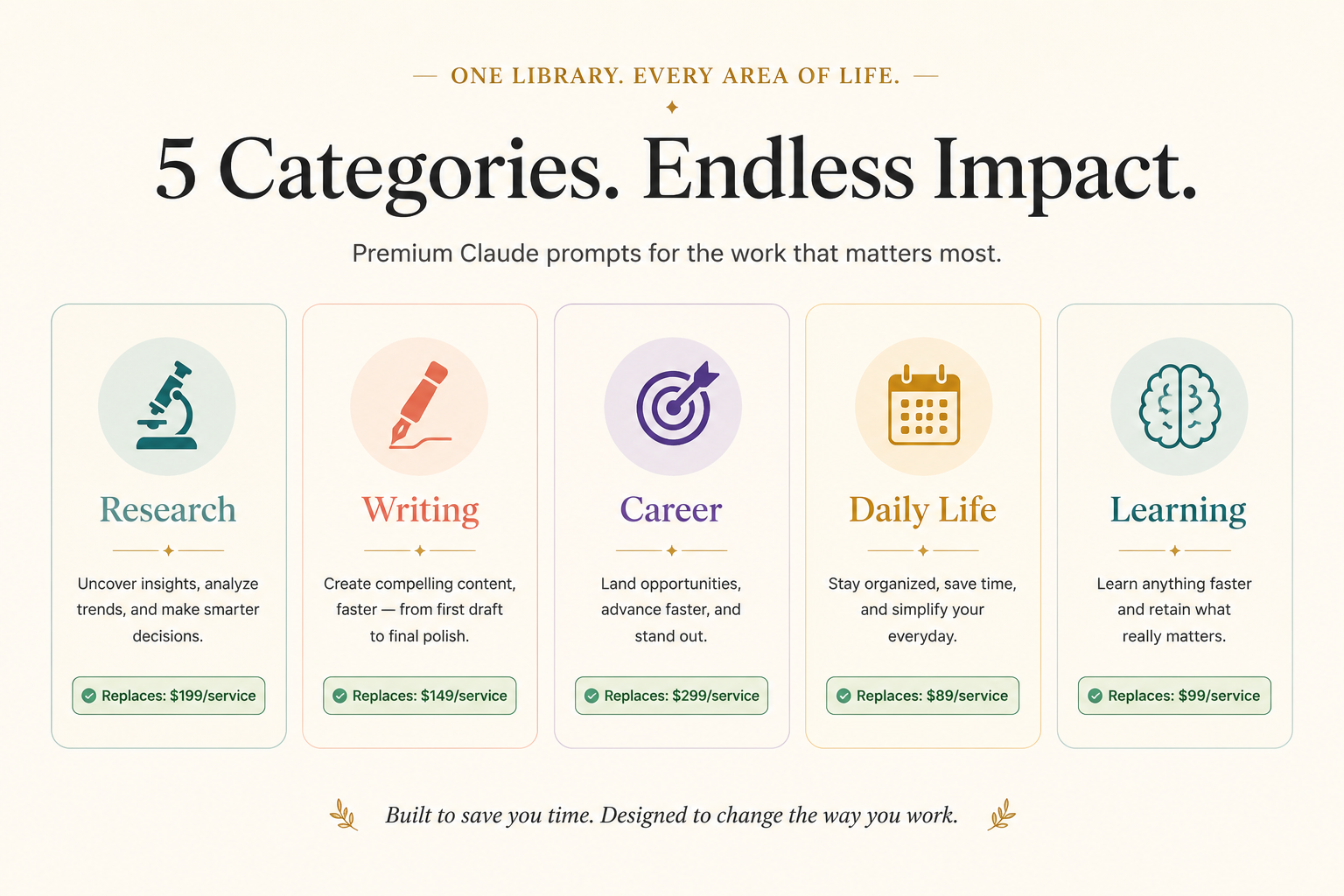
The 5 Categories That Cover Your Entire Working Life
The
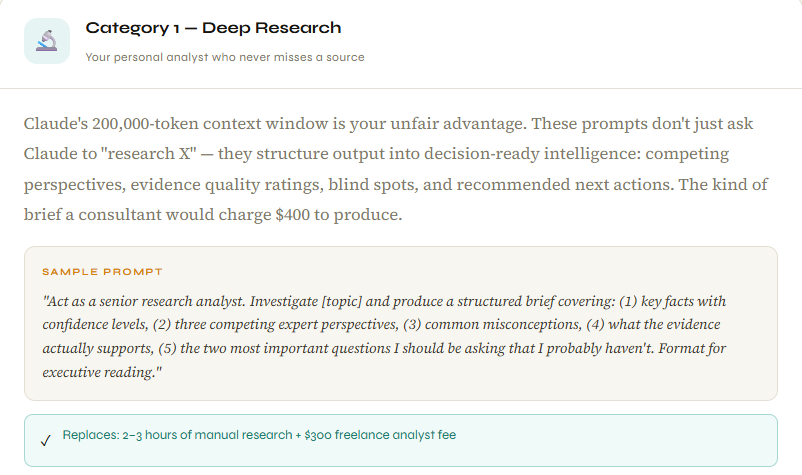
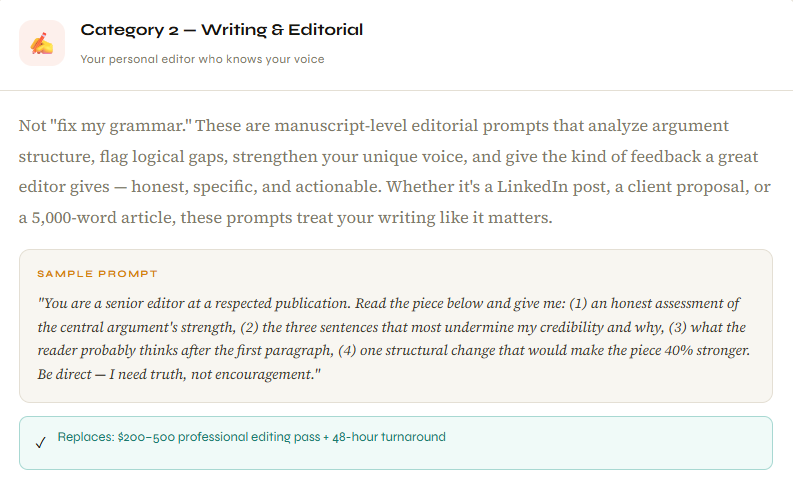
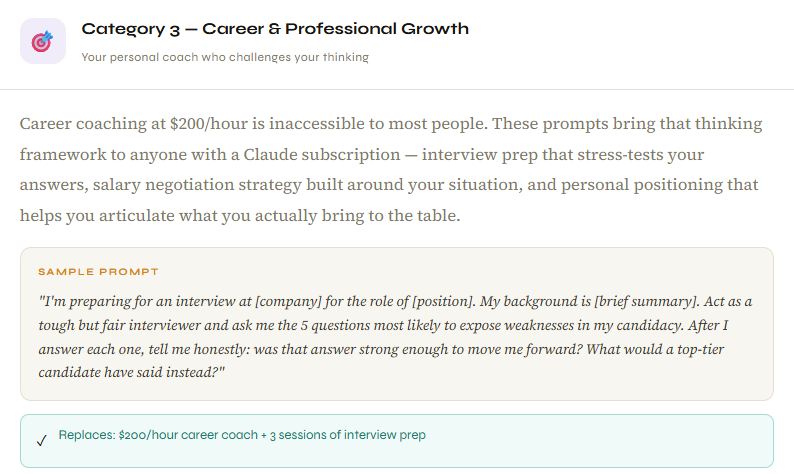
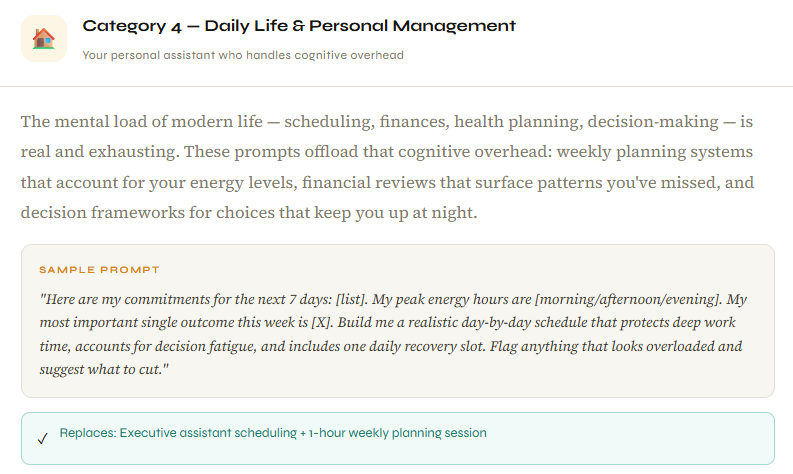
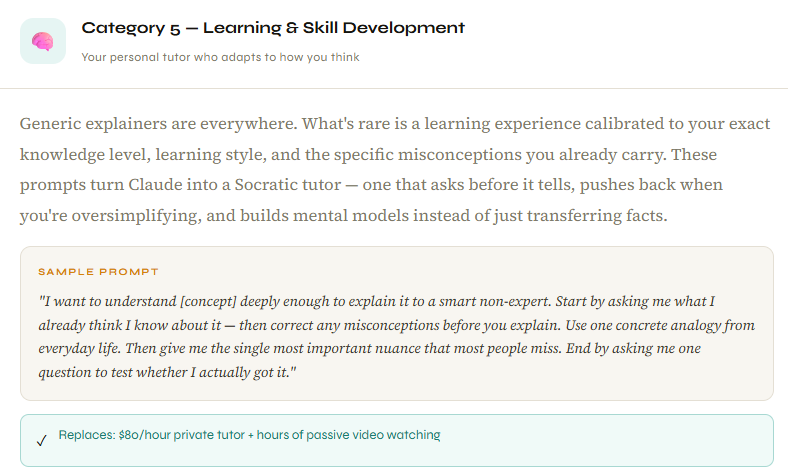
20 Claude Prompts library is architected around 5 high-impact categories, each replacing a professional service most people either can't afford or don't have time to access. Four prompts per category, each battle-tested and bracket-ready.
Why These Prompts Work Specifically With Claude
The 20 prompts in this library are engineered for Claude's specific strengths, and Claude has some unusual ones that make these prompts work better here than in other tools.
The 200,000-token context window means you can paste an entire project brief, a full document, or months of data into a single session. The research and analysis prompts are built to exploit this they assume you're giving Claude substantial material, not a three-sentence summary.
Claude's nuanced instruction-following means when a prompt asks it to "be direct and tell me what's actually wrong," it follows through rather than defaulting to diplomatic hedging. The editorial and coaching prompts rely on this completely. You want honest feedback, not reassurance, and Claude delivers that when prompted correctly.
Note: The bracket system matters more than you think. Every prompt in the library uses [bracketed variables] for personalization. This forces you to be specific about your context, your goal, and your audience before you hit send. That specificity is the single biggest driver of output quality. Most people who get generic AI answers gave generic inputs; the brackets fix that automatically.
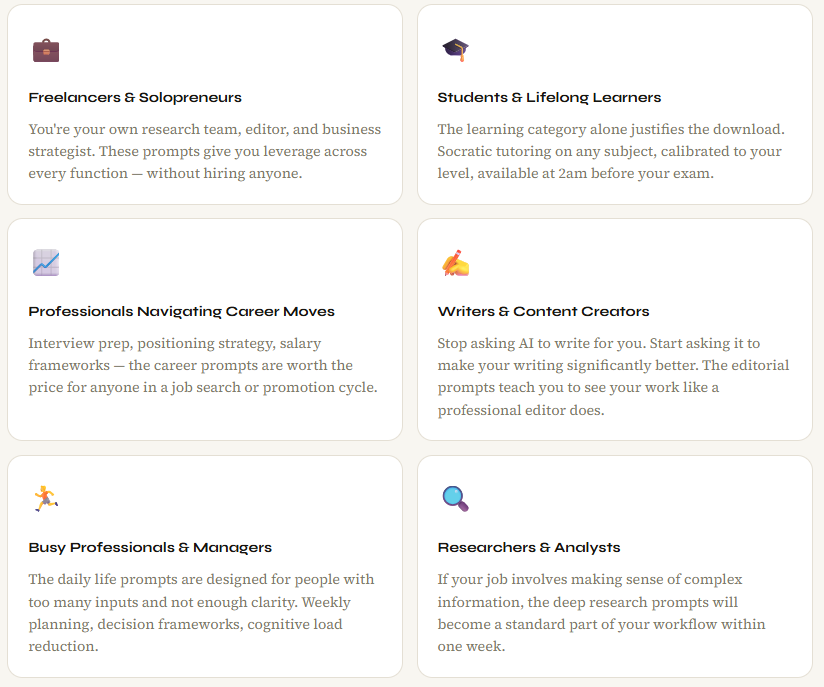
Who Gets the Most From These 20 Prompts
What Happens After You Run the First Prompt Properly
The first time you run one of these prompts, really run it, with your actual context filled into the brackets, on something you genuinely need help with the output will surprise you. Not because it's magic. Because it's specific to you in a way generic AI responses almost never are.
That moment of surprise recalibrates your relationship with the tool. You stop thinking of Claude as a novelty and start thinking of it as something you can actually depend on. That shift separates the subscribers who cancel after 90 days from the ones who three years later still call it the best $20 they spend every month.
Twenty prompts. Five categories. One subscription fee. The ROI math is straightforward: one good research brief, one editorial pass that wins a proposal, and one interview session that gets you the job. Any single one of those pays for months of Claude Pro.
Frequently Asked Questions
Do these prompts work on the free Claude plan?
The prompts will work on the free tier, but you'll hit usage limits quickly, especially with the research and analysis prompts, which benefit from long context sessions. Claude Pro at $20/month gives you the usage depth these prompts are designed to fully exploit.
How are these different from prompts I can find on Reddit or Twitter?
Free prompts are typically generic one-liners optimized for a screenshot, not for results. Every prompt in this library is bracket-ready for personalization, battle-tested across real use cases, and structured around Claude's specific strengths: context window, instruction-following, and honest feedback. The architecture is what makes them work.
How quickly will I get value from these prompts?
Most users describe getting genuine value in their first session. Pick one category that fits your current situation, fill in the brackets, and run it. The first result will tell you more than this blog can.
Can beginners use these without prior AI experience?
That's exactly who they're designed for. The bracket system removes all guesswork. You don't need to understand prompt engineering; you need to understand your own situation well enough to fill in the blanks. If you can describe what you need in plain English, these prompts deliver structured expert-level output.
Are the prompts reusable for different projects?
Completely reusable, that's the point. The same research prompt works whether you're investigating a market, a medical question, or a historical event. The same editorial prompt works on a blog post, a cover letter, or a presentation. You're buying a framework, not a one-time output.
What other prompt libraries does RentPrompts offer?
The Actual Cost of Not Using These Prompts
Here's the reframe that stuck with me. Most people look at this product and ask: "Is this worth paying for?" The better question is: "How much am I losing every month by not using Claude properly?"
One mediocre proposal because you didn't get proper editorial feedback. One interview you weren't fully prepared for. One decision you agonized over for a week that a structured analysis prompt resolves in 20 minutes. One research project you spent three hours on that a deep research prompt completes in one session.
The cost isn't the prompt library. The cost is weeks and months of underusing a tool that's sitting in your browser, waiting. Twenty prompts. One subscription you already have. Four professionals you've been paying for and not using.
Available Now on RentPrompts
Get the 20 Claude prompts that change everything.
20 copy-paste ready prompts across 5 categories. Battle-tested, bracket-ready, and built to replace workflows that take hours.
Instant Access · No Prompt Engineering Experience Needed · Works on Claude Pro
More From RentPrompts
→
AI Academy - structured learning for getting the most from every AI tool